A WhatsApp Business integration can fix a common conversion leak: paid campaigns generate clicks, but prospects disappear when your website does not make the next conversation immediate, trackable, and easy for sales to follow up. This guide shows how to connect campaigns, landing pages, WhatsApp links, and team workflows so more high-intent visitors become qualified leads.
Why WhatsApp Business Integration Closes the Gap Between Clicks and Leads
Campaigns, landing pages, and WhatsApp should not operate as separate channels. A strong WhatsApp Business integration turns them into one conversion path: the ad creates intent, the page confirms relevance, and WhatsApp gives the visitor a fast way to ask, book, request, or buy.
The biggest leak points are usually simple: slow forms, vague calls to action, missed replies, no campaign attribution, and conversations that are not assigned to anyone. When a visitor is ready to ask about pricing, availability, a quote, or a demo, forcing them through a long form can create unnecessary friction.
WhatsApp works especially well for service businesses, local sales teams, consultations, appointments, quotes, demos, and post-click support. It is not a replacement for every form, but it is often the fastest next step for visitors who want a human answer before they commit.
Map the Lead Journey Before You Add WhatsApp to Your Website
Before adding buttons everywhere, identify the pages where intent is already high: pricing pages, contact pages, product or service pages, campaign landing pages, checkout pages, and quote request pages. Each page should have a clear conversation goal, such as “book a call,” “request a quote,” “confirm availability,” or “get product advice.”
Decide what your sales team needs before the chat starts. Useful context can include campaign source, page URL, product interest, location, budget, urgency, and customer name. A good WhatsApp Business integration makes this context easier to capture instead of asking sales to guess where the lead came from.
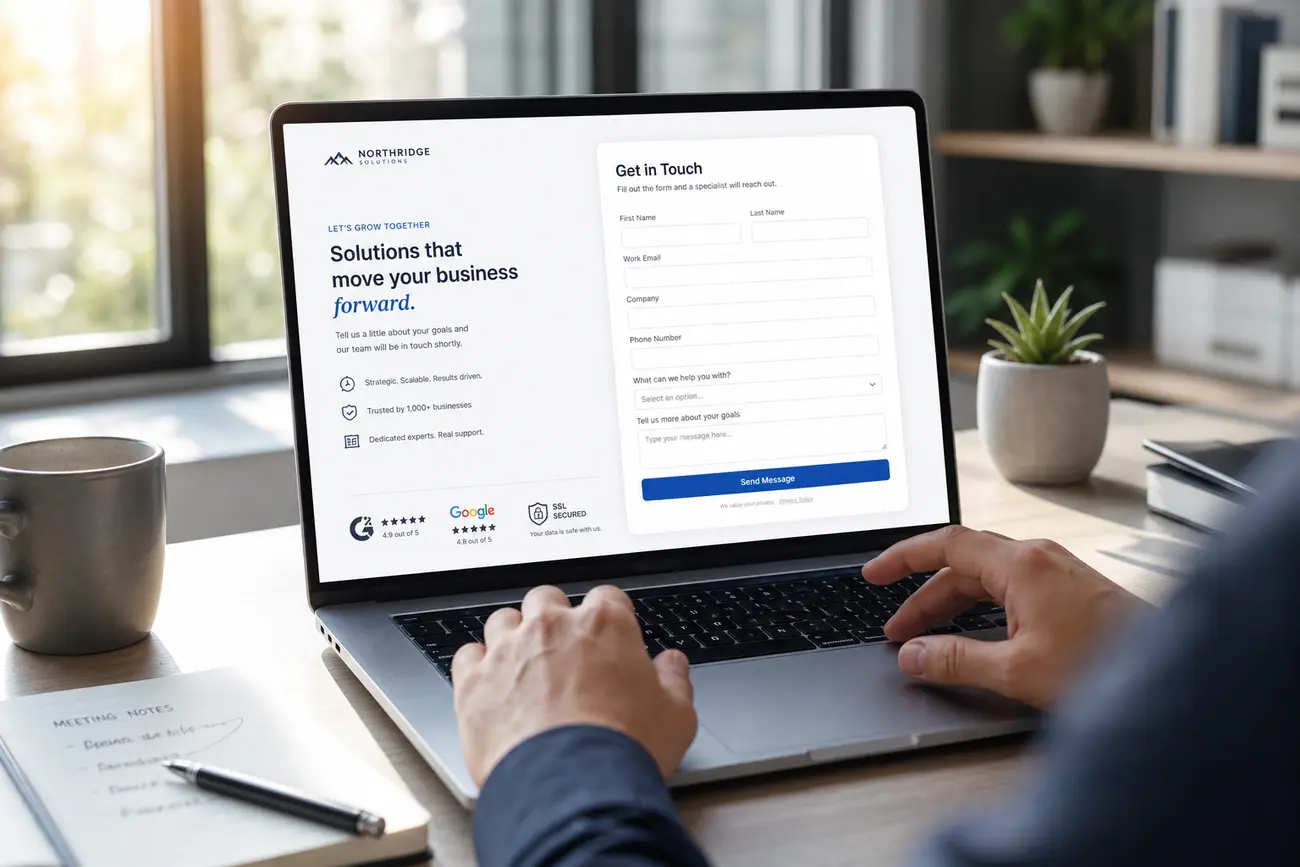
WhatsApp can replace a form, support a form, or act as a secondary CTA for people who are not ready to submit details. If forms remain important in your funnel, review lead form optimization for more qualified enquiries so your form and chat options work together.
How to Create WhatsApp Link CTAs That Convert
To create WhatsApp link CTAs, use the official wa.me format with the full country code and no symbols, spaces, or leading plus sign. For example: https://wa.me/15551234567. This opens a chat with the specified number.
You can also prefill the first message so visitors start faster. A simple structure is: https://wa.me/15551234567?text=Hi%2C%20I%27m%20interested%20in%20your%20pricing%20from%20the%20Google%20Ads%20page. Tailor each link by campaign or page so the opening message reveals intent and improves follow-up quality.
Place WhatsApp CTAs near decision points: the hero section, sticky mobile buttons, pricing cards, product pages, thank-you pages, checkout recovery prompts, and exit-intent prompts. Use benefit-led copy such as “Ask for a quote on WhatsApp”, “Check availability now”, or “Get product advice” instead of a generic “Chat with us.”
Using a WhatsApp Chat Link Across Ads, Landing Pages, and Email
A website WhatsApp chat link is usually placed on a page as a CTA. A campaign WhatsApp chat link can also be used in ads, SMS, email, QR codes, social profiles, packaging, flyers, and in-person sales conversations. The principle is the same, but the tracking and message context should change by channel.
Keep campaign context with unique prefilled messages or tracked redirect links. For example, your Meta Ads link might open with “Hi, I saw your Instagram offer,” while your email link might open with “Hi, I’m replying from your pricing email.” The ad promise, landing page copy, and WhatsApp message should feel like one seamless handoff.
Do not send cold traffic straight to WhatsApp if the user still needs education. In many cases, the landing page should explain the offer first, then invite the visitor to continue on WhatsApp. If you are unsure whether the page is doing its job, compare engagement and conversion signals using landing page metrics that tell the truth.
Connect WhatsApp Business Web, Desktop, and Your Team Workflow
WhatsApp Web is used to send, receive, and manage WhatsApp messages from a browser, while the desktop app offers a similar workflow from a computer. For teams, this is faster than handling every lead from a phone, especially when saved replies, labels, and quick qualification are needed.
Yes, you can open WhatsApp in a web browser. Go to web.whatsapp.com, where the WhatsApp Web QR code appears on screen. Then open WhatsApp or WhatsApp Business on your phone, go to Linked Devices, and scan the code. The same linking process applies to the desktop app.
You can link another device, and in many cases another phone, through the official Linked Devices flow. However, the primary account still depends on phone-number verification and WhatsApp security rules. Set team basics before launch: assign conversation owners, define business hours, use greeting and away messages, create saved replies, and agree on response-time targets.
Track WhatsApp Leads Back to Campaigns and Website Actions
Attribution matters because “lead came from WhatsApp” is not enough. You need to know which campaign, keyword, landing page, offer, or email created the conversation. Without that data, budget decisions become guesswork.
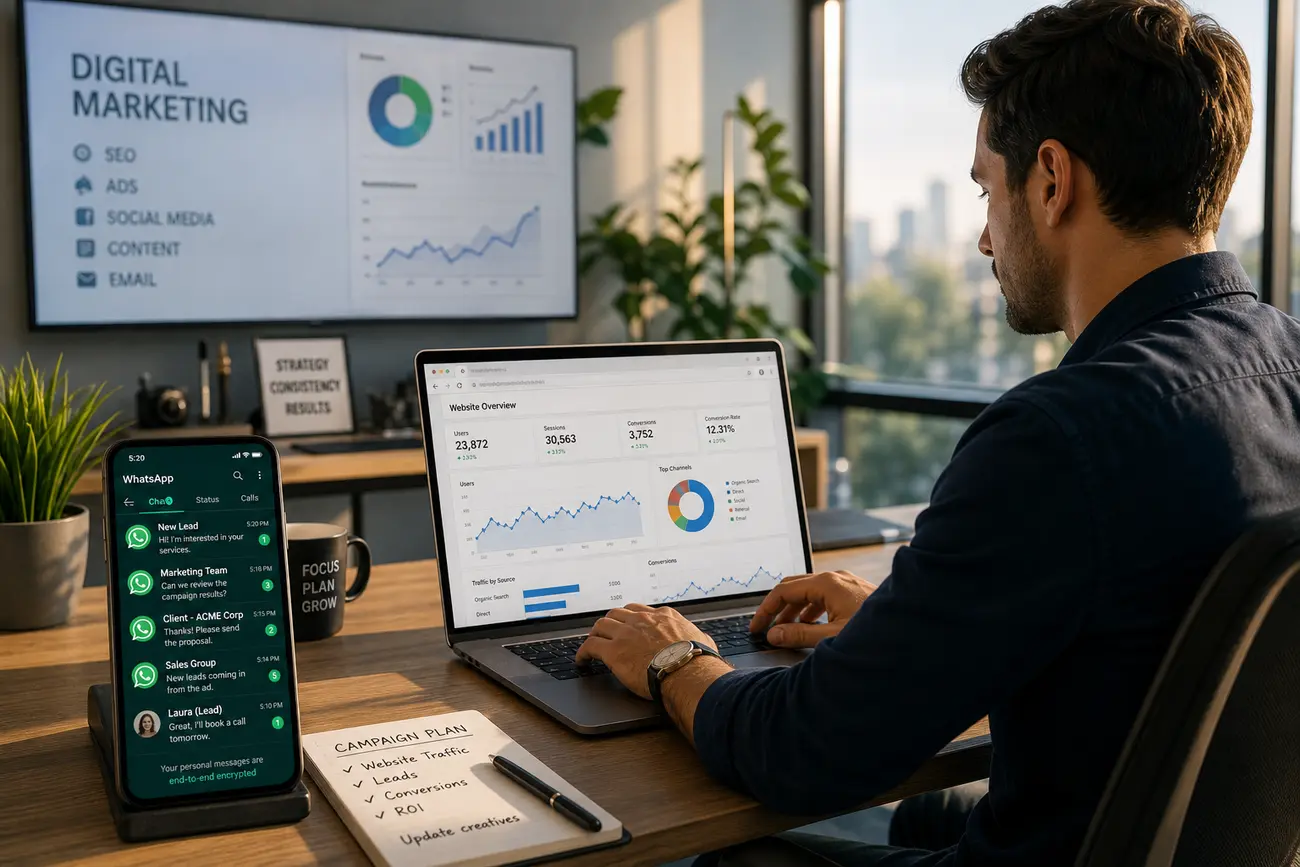
Track clicks on WhatsApp buttons with analytics events, tag manager triggers, UTMs on redirect links, and CRM source fields. Use separate links or prefilled messages for Google Ads, Meta Ads, email, organic pages, and remarketing campaigns. This makes your WhatsApp Business integration measurable, not just convenient.
Review metrics such as WhatsApp CTA click rate, conversation start rate, qualified lead rate, first-response time, appointment rate, and revenue per source. Compare WhatsApp leads with form leads to see where chat increases conversion and where forms still produce better-quality enquiries.
Security, Verification Codes, and Login Issues Users Ask About
WhatsApp verification uses a six-digit code sent by SMS or phone call when registering or re-verifying a phone number. This is the code for WhatsApp account verification. You find it in the SMS inbox or call received on the number you are trying to verify.
Generally, you cannot log in to WhatsApp without the OTP or the official linked-device process. This protects the account from unauthorized access. If you suddenly receive a WhatsApp verification code, someone may have entered your number by mistake or attempted to register it. Do not share the code with anyone.
Automatic SMS code detection may happen within seconds, but it can take longer depending on the device, carrier, app permissions, and network conditions. If detection fails, follow the on-screen wait time and use another available verification method. Businesses should document setup steps so staff do not confuse WhatsApp Web QR linking with phone-number verification.
A Practical Implementation Checklist for Higher WhatsApp Conversions
Start with one high-intent campaign landing page before rolling WhatsApp across your whole site. This keeps the setup focused and makes results easier to measure.
- Create page-specific WhatsApp links with prefilled messages.
- Use clear CTA copy tied to the visitor’s goal.
- Add mobile-first placement, including sticky buttons near decision points.
- Set owners, business hours, saved replies, and lead qualification questions.
- Track every WhatsApp click and review conversion metrics weekly.
- A/B test CTA wording, placement, prefilled messages, and whether WhatsApp appears before or after form fields.
The best WhatsApp Business integration is not just a button. It is a connected process that moves a visitor from campaign intent to a timely, informed sales conversation.
FAQ
Can I open WhatsApp in a web browser?
Yes. Use WhatsApp Web in your browser by linking it to your WhatsApp or WhatsApp Business account from your phone.
Where is the QR code for WhatsApp Web?
Go to web.whatsapp.com or open the desktop app. The QR code appears on screen for scanning from Linked Devices in the mobile app.
Can I link another phone to my WhatsApp?
Yes, in many cases WhatsApp supports linked devices, including phones. Use the official Linked Devices flow and follow account verification rules.
What is WhatsApp Web used for?
WhatsApp Web is used to manage WhatsApp messages from a browser or desktop, helping teams reply faster and handle leads more efficiently.
What is my six-digit code for WhatsApp?
It is the verification code WhatsApp sends by SMS or call when you register or verify your phone number.
Can I log in to WhatsApp without OTP?
Generally no. WhatsApp requires the OTP or an approved linked-device process to protect account access.
Why did I suddenly receive a verification code from WhatsApp?
Someone may have entered your number by mistake or attempted to register it. Do not share the code with anyone.
Where do I find my WhatsApp verification code?
Check the SMS or phone call sent to the phone number you are trying to verify. If it does not arrive, follow WhatsApp’s on-screen instructions.
Share Article
Your Digital Edge, Fully Automated
Spin up a cutting-edge website in minutes and preview it free - no signup, no credit card. Then keep growing it with MR.ROBOT's AI pipeline that writes, optimizes, and publishes SEO articles straight from your phone.
No signup. No credit card. You only pay when you love the result.