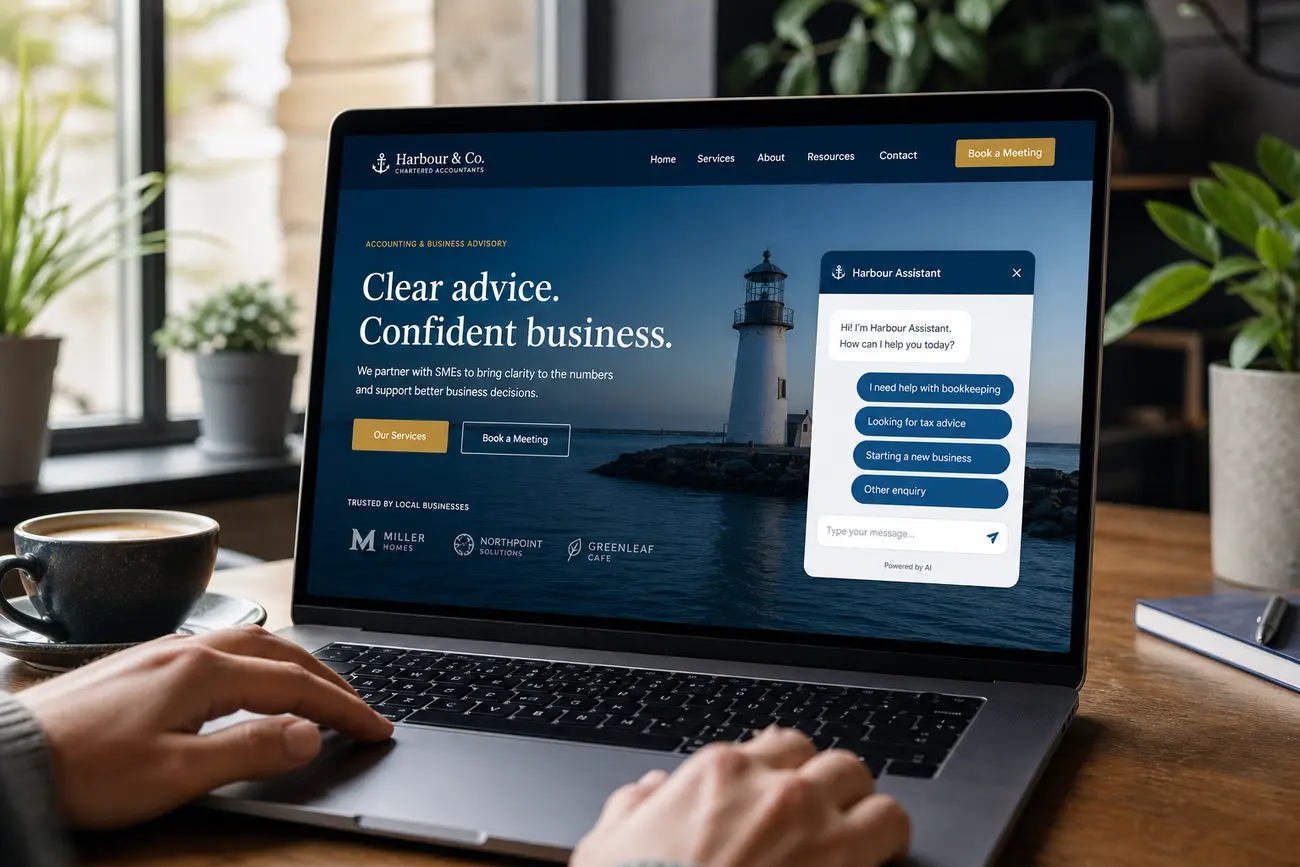
A conversational ai chatbot can feel like a skilled sales assistant on your website: present when a buyer needs help, quiet when they do not, and focused on removing the next obstacle to conversion. Used well, it answers questions, qualifies leads, recommends next steps, and helps visitors move forward without forcing them through another generic form.
Why Conversion-Focused Chatbots Must Reduce Friction, Not Add It
The goal of a conversion-focused chatbot is not to push every visitor into a conversation. It is to help high-intent visitors move faster. A buyer comparing pricing, checking service fit, or hesitating before booking a call may only need one clear answer to continue.
Intrusive pop-ups, instant greetings, sound notifications, and long scripted flows often create the opposite effect. A useful conversational ai chatbot should respond to page intent and visitor behavior: a pricing page prompt should reduce uncertainty, while a service page prompt should help the visitor understand fit.
For SMEs, chatbot success should connect directly to metrics you already track: lead quality, booked calls, form completion, sales cycle length, cost per lead, and sales accepted leads. The chatbot should support the existing conversion path, not replace every landing page, lead form, or sales conversation.
What a Conversational AI Chatbot Should Do on an SME Website
A conversational ai chatbot is an intent-aware assistant that can understand visitor questions, guide people through options, qualify leads, and route conversations to the right next step. It is more than a chat widget; it is part of the conversion experience.
Core use cases include answering pricing questions, explaining services, comparing options, handling objections, recommending suitable packages, and capturing contact details when the visitor is ready. Well-designed chatbot services can be configured differently for service businesses, SaaS companies, ecommerce brands, consultants, and local providers.
The best flows feel consultative, not scripted. For example, a SaaS buyer may need integration details before booking a demo, while a local service customer may need availability, service area, and estimated pricing. The chatbot should adapt to intent instead of forcing everyone down the same path.
How to Qualify Leads Without Making Visitors Fill Out Another Long Form
Lead qualification works best when questions are asked gradually inside the conversation. Instead of presenting a demanding form upfront, the chatbot can start with a simple question such as “What are you trying to improve?” or “Are you looking for pricing, availability, or a recommendation?”
Useful qualification fields include goal, problem, timeline, company size, budget range, location, current solution, and preferred contact method. Progressive profiling also matters: returning visitors should not be asked the same questions repeatedly if the business already has that context.
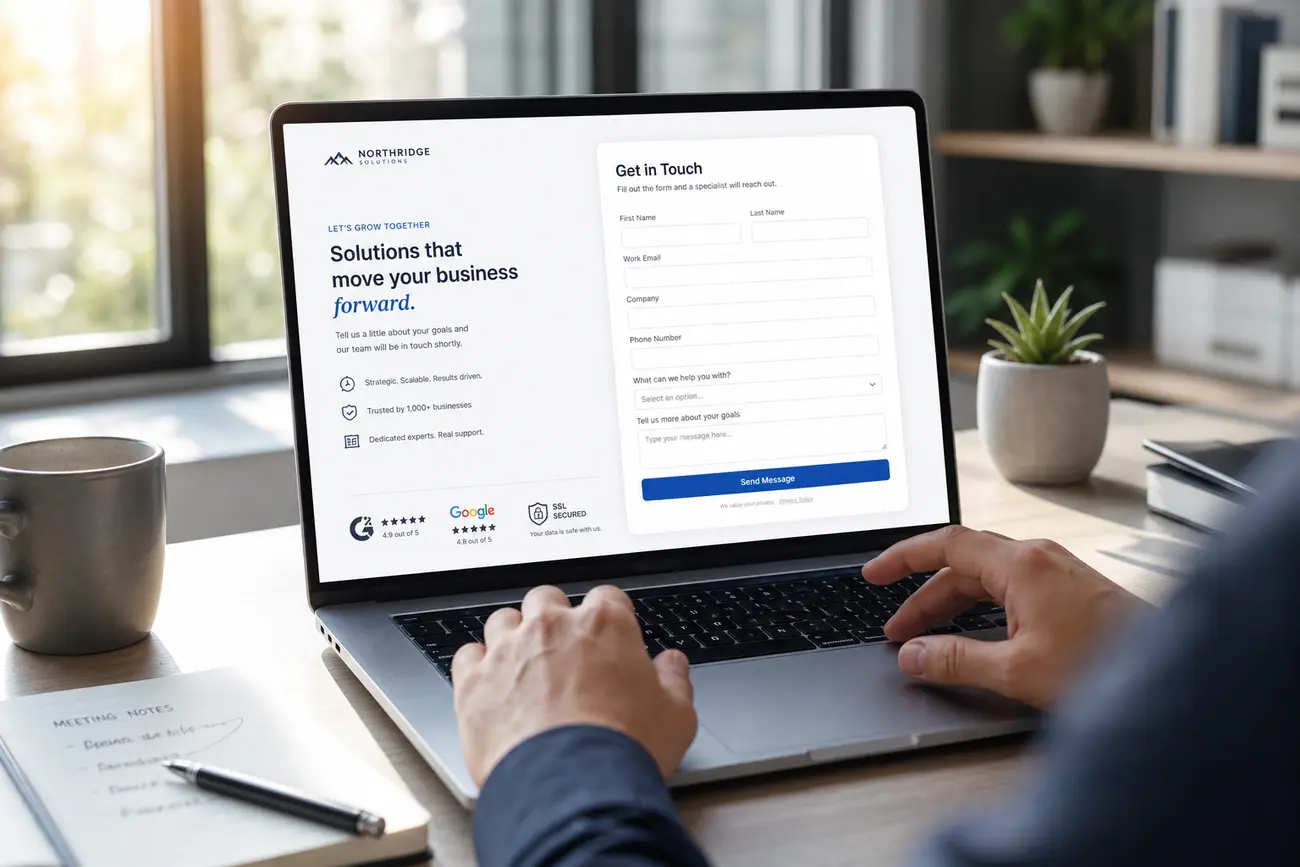
A conversational ai chatbot should separate sales-ready leads from research-stage visitors. Someone with budget, urgency, and a clear need may be routed to book a call or request a quote. Someone earlier in the journey may receive a guide, comparison checklist, or tailored recommendation. If forms are still important in your funnel, pair the chatbot strategy with strong lead form optimization so both paths work together.
Where to Place Chatbot Prompts for the Highest Conversion Impact
Chatbot prompts usually perform best on high-intent pages: pricing pages, service pages, demo pages, product comparison pages, contact pages, and pages where visitors often hesitate before taking action.
The greeting should match the context. On a pricing page, the prompt might say, “Need help choosing the right plan?” On a service page, it might ask, “Want to check if this service is right for your situation?” On comparison pages, the chatbot can address objections such as implementation time, support, guarantees, or ROI.
Trigger rules should be based on behavior: time on page, scroll depth, exit intent, repeat visits, or abandoned forms. Avoid aggressive full-screen interruptions and instant pop-ups. Test timing, wording, and placement on important pages before rolling chatbot services out across the entire site.
Using ChatGPT for Business Without Exposing Customer Data or Losing Control
chatgpt for business can be useful for internal work: drafting chatbot answers, building knowledge base content, summarizing objections, and creating response variations for sales teams. But experimenting with a consumer AI tool is not the same as deploying a secure customer-facing chatbot.
For live lead capture, businesses need safeguards: data privacy controls, consent language, conversation logging policies, human handoff, restricted knowledge sources, and response guardrails. The chatbot should only answer from approved business information, especially when discussing pricing, legal terms, medical claims, financial advice, or personal data.
ChatGPT Plus or Pro subscriptions are individual AI access plans; they are not automatically a managed chatbot deployment. If the bot will handle leads, personal information, or sales conversations, use approved APIs, enterprise controls, or trusted chatbot services with clear data handling and security practices.
The Conversion Playbook: Design the Chatbot Conversation Around Buyer Intent
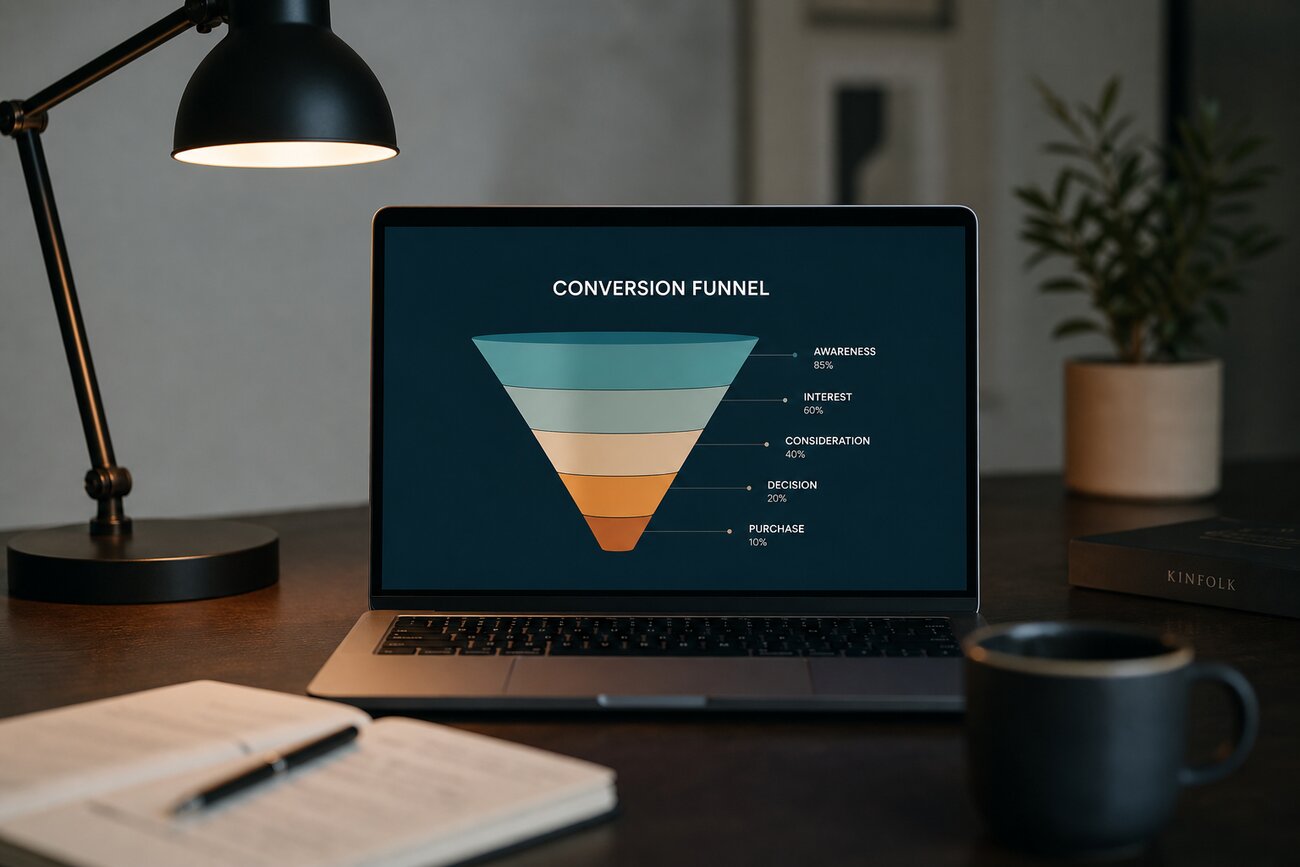
Strong chatbot design starts by mapping buyer intent. Visitors may be comparing providers, checking price, validating trust, looking for proof, needing support, or preparing to buy. Each intent needs a short, helpful answer path.
Common objections include cost, timing, implementation effort, technical fit, trust, and expected ROI. The chatbot should respond with concise answers and a clear next step, not long AI-generated paragraphs. For example: “Most clients launch in two to four weeks. Want to see what the setup process looks like?”
Trust signals can also appear inside the conversation: case studies, testimonials, certifications, guarantees, average response time, or links to relevant proof. Build escalation rules so complex, sensitive, or high-value conversations move quickly to a human. A conversational ai chatbot should help the buyer feel understood, not trapped in automation.
How to Measure and Improve Chatbot Conversion Performance
Measure both activity and outcomes. Useful metrics include engagement rate, qualified lead rate, meeting bookings, assisted conversions, sales accepted leads, cost per qualified lead, and revenue influenced. A chatbot that creates many conversations but few qualified opportunities needs refinement.
Review conversation transcripts to find missing content, confusing offers, unanswered objections, weak calls to action, and poor handoff moments. Segment performance by traffic source, device, landing page, and visitor intent so you know where the chatbot is helping and where it is adding friction.
Run A/B tests on greetings, qualification questions, CTA wording, and handoff timing. Set a regular optimization cadence, such as a monthly review, so your conversational ai chatbot improves based on real buyer behavior. For broader testing ideas, see these conversion rate optimization tactics.
FAQ
Is a conversational AI chatbot safe to use for business lead capture?
Yes, a conversational ai chatbot can be safe for business lead capture when it is configured with privacy controls, consent, secure data handling, restricted access, clear logging policies, and human oversight. Avoid collecting unnecessary sensitive data, and make sure your setup follows local data protection rules.
Is Spicy AI chat safe to use?
Safety depends on the specific platform, its privacy policy, moderation standards, age controls, and data retention settings. If you are evaluating any “spicy” or adult-oriented AI chat tool, do not share confidential business data, customer information, passwords, payment details, or sensitive personal information unless you fully understand how the provider stores and uses chats.
Can AI chatbot platforms read your chats?
Possibly. Access depends on the provider, plan, settings, retention policy, and whether conversations may be reviewed for support, safety, or model improvement. In business settings, choose chatbot services that clearly explain data access, retention, training usage, and deletion options.
Can Spicy AI read your chats?
You should assume that any third-party chat platform may store or process conversations unless its policy clearly says otherwise. Check the provider’s privacy policy, account settings, and terms before sharing personal or sensitive information.
What is the legal age for using AI chat tools?
Age requirements vary by platform, region, and content type. Businesses should follow the provider’s terms of service and applicable local data protection laws, especially when users may be minors.
What is the legal age for spicy chat?
For adult-oriented AI chat, age requirements may be stricter and depend on local law and the platform’s rules. Users should check the service terms, and businesses should not expose minors to adult chat experiences.
How much does ChatGPT Plus cost?
ChatGPT Plus is commonly listed at 19.99 USD per month, but pricing can change by region, currency, tax treatment, and plan updates. Always check OpenAI’s current pricing page for the latest amount.
Is ChatGPT Plus 19.99 per month?
Yes, ChatGPT Plus is commonly priced at 19.99 USD per month. However, the current price may vary depending on region or changes to OpenAI’s plans, so verify the latest pricing before purchasing.
What is the difference between ChatGPT Pro and Plus?
Plus is generally a lower-cost individual subscription with expanded access compared with the free tier. Pro is typically positioned for heavier or more advanced users, with higher limits or access to more advanced capabilities. Exact features can change, so compare the current plans before deciding.
How does a ChatGPT Plus subscription work for business use?
A ChatGPT Plus subscription is primarily an individual user plan. It can help with internal drafting, research, and brainstorming, but businesses that need customer-facing automation, controlled data access, team governance, or lead capture should consider secure APIs, business plans, enterprise controls, or specialist chatbot services built for deployment.
Share Article
Your Digital Edge, Fully Automated
Spin up a cutting-edge website in minutes and preview it free - no signup, no credit card. Then keep growing it with MR.ROBOT's AI pipeline that writes, optimizes, and publishes SEO articles straight from your phone.
No signup. No credit card. You only pay when you love the result.