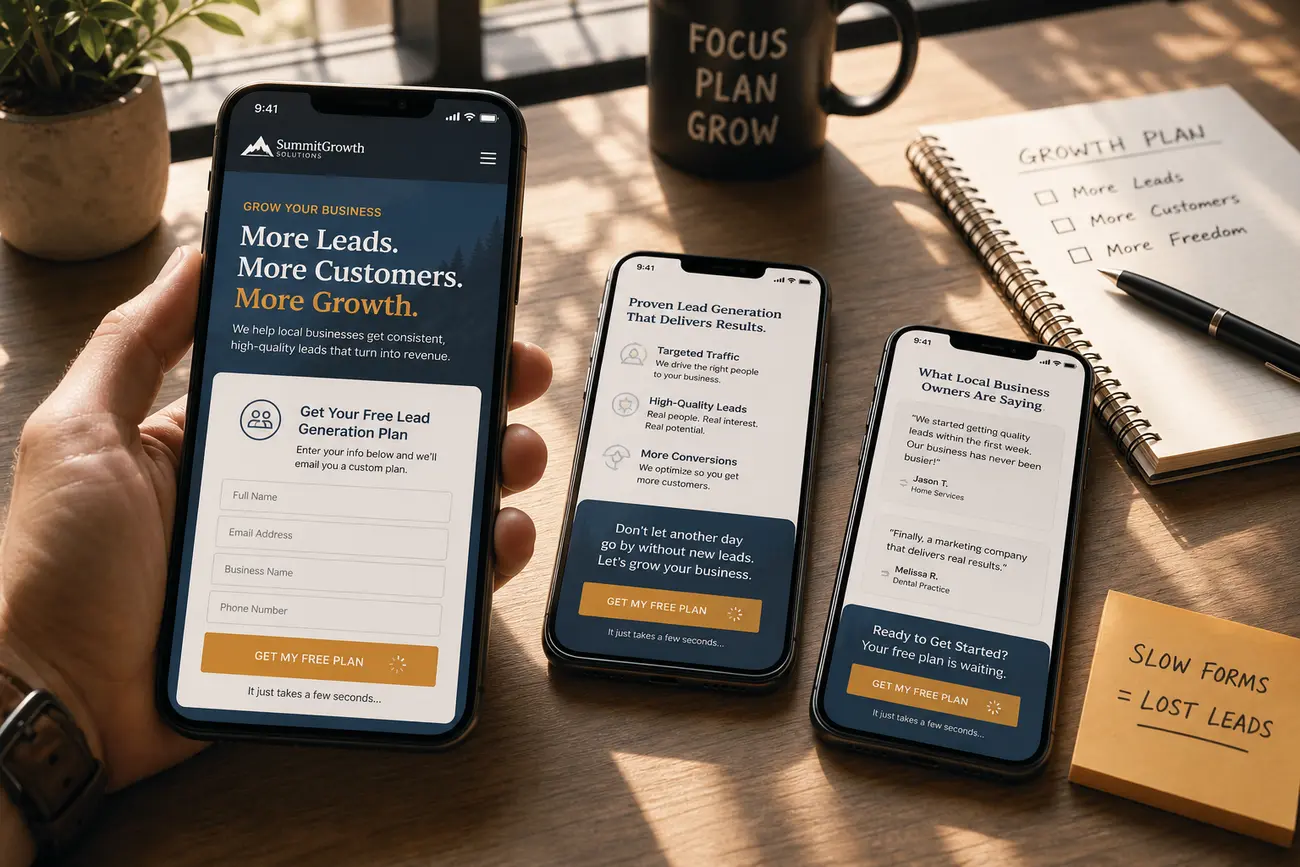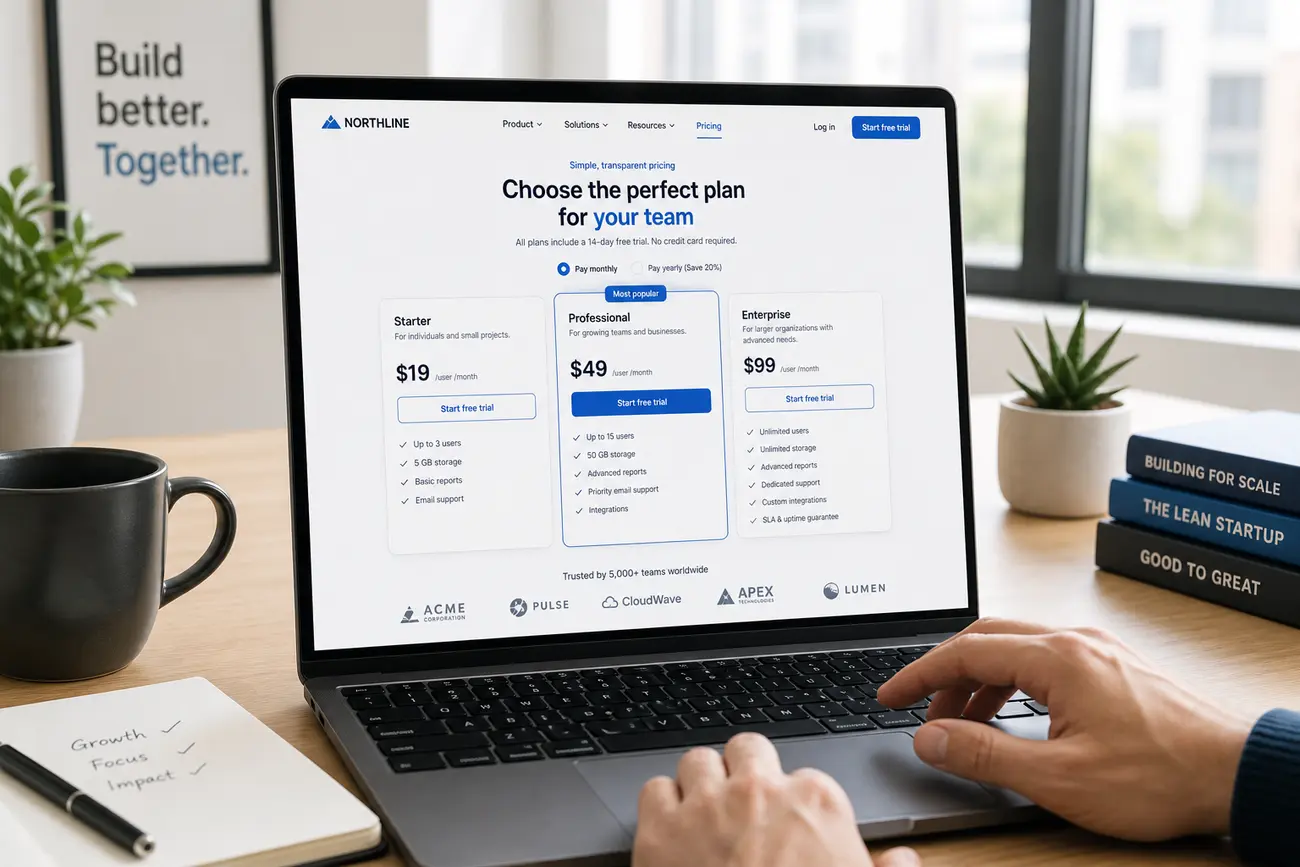
A website credibility checklist is one of the most practical tools for turning a pricing page from a passive price list into a lead-generation asset. When prospects reach your pricing page, they are not only comparing costs; they are deciding whether your business looks trustworthy enough to book a call, start a trial, or request a quote.
Why Your Pricing Page Is a Credibility Test, Not Just a Price List
For many small and medium-sized businesses, the pricing page is where qualified leads quietly disappear. If packages are vague, terms are unclear, proof is missing, or the next step feels risky, visitors may leave without ever telling you what stopped them.
A strong pricing page reduces hesitation. It explains what is included, who each option is for, why the price is fair, and what happens after the visitor clicks. Used well, a website credibility checklist helps you identify the trust gaps that prevent serious prospects from converting.
Website Credibility Checklist for a High-Converting Pricing Page
Your pricing page should prove that your company is real, reachable, and accountable. That means showing clear company details, contact options, legal pages, refund or cancellation terms, and security indicators where relevant.
- Business transparency: company name, location or service area, contact method, and active support channels.
- Proof near the decision: testimonials, customer logos, review ratings, case studies, or quantified results.
- Pricing clarity: what is included, what is excluded, billing frequency, and when extra fees apply.
- Red-flag removal: no broken links, hidden conditions, outdated copyright dates, stock-looking testimonials, or unsupported guarantees.
This website credibility checklist is especially important for pricing pages because buyers are evaluating both the offer and the risk of engaging with your business.
Structure Pricing Packages So Visitors Can Choose With Confidence
Most SMEs do best with three to four clear pricing tiers. Too few options can feel restrictive; too many create decision fatigue. If one plan is the best fit for most customers, highlight it clearly without making every other option look inferior.
Name packages around customer maturity or use case, not only generic labels like “Basic” and “Premium.” For example, “For New Teams,” “For Growing Teams,” and “For Established Operations” helps prospects self-qualify faster.
- State whether pricing is monthly, annual, per user, per project, or custom.
- Use concise feature comparisons instead of dense tables.
- Describe outcomes, not just features.
- Clarify who each package is best suited for.
Use a UX Checklist to Remove Friction From the Decision
A pricing page can be credible but still underperform if it is hard to use. Your ux checklist should cover scannability, mobile usability, contrast, page speed, button hierarchy, and accessibility.
Make plan differences visible on desktop and mobile. Keep calls to action consistent and specific, such as “Book a consultation,” “Start free trial,” or “Request a quote.” If your CTAs feel weak or inconsistent, review these practical tips on how to write calls to action that convert visitors into leads.
- Place reassurance points near CTAs, such as onboarding help, cancellation terms, response time, or setup support.
- Use buttons that look clickable and clearly show the next step.
- Avoid forcing visitors to scroll back up to compare essential details.
Add Trust Signals That Prove the Offer Is Legitimate
What makes a website legitimate from a buyer’s perspective? Transparent identity, secure browsing, clear policies, accurate content, working links, and visible reputation signals. A padlock does not prove a website is safe; it only means the connection is encrypted.
Build trust with verified reviews, third-party certifications, partner badges, payment security details, and links to active social or professional profiles. If you use testimonials, make them specific and believable. For deeper guidance, see this article on using social proof to increase website conversions.
Also link to your case studies, customer stories, and about page so visitors can verify the business behind the offer. A website credibility checklist should always include proof that prospects can inspect for themselves.
Answer Pricing Objections Before Visitors Leave
Do not wait for sales calls to handle obvious objections. Add a focused FAQ beneath your pricing table that covers billing, contracts, onboarding, support, refunds, upgrades, downgrades, and hidden fees.
Explain who each package is not for. This may feel counterintuitive, but it helps filter out poor-fit leads and improves sales conversations. If your price is higher than competitors, explain the difference through outcomes, service level, implementation support, quality, or total cost of ownership.
- For unsure prospects, offer a short assessment, demo, or consultation.
- For custom buyers, explain what information you need to quote accurately.
- For budget-sensitive buyers, clarify minimum commitments and upgrade paths.
Run a Website Audit Checklist Before Publishing Changes
Before updating your pricing page, run a website audit checklist focused on trust at the final step. Test every link, CTA, form, payment path, and calendar booking flow. A broken booking link can damage credibility faster than weak copy.
To verify a website link, check the exact URL, HTTPS status, domain spelling, redirects, contact details, and whether the link comes from a trusted source. To check the reputation of a URL, review search results, reputable website safety tools, review platforms, scam reports, and brand consistency.
If someone asks, “How can I verify a check is legit?” in the financial sense, they should contact the issuing bank using an independently verified phone number and avoid relying only on details printed on the check. For pricing pages, the equivalent is independent verification: reviews, policies, real contact details, and consistent branding.
Measure Whether the Pricing Page Attracts Better Leads
Pricing page optimization is not only about increasing form fills. Track qualified conversion rate, demo-to-close rate, average deal size, time to close, and the percentage of poor-fit inquiries.
Compare performance before and after changes to pricing clarity, FAQs, CTAs, and trust signals. Use heatmaps, session recordings, analytics, and sales call notes to find where credibility or clarity still breaks down. Treat your website credibility checklist as an ongoing conversion optimization tool, not a one-time redesign task.
FAQ
What makes a website legitimate?
A legitimate website has transparent business information, secure browsing, clear policies, accurate claims, working links, and verifiable reputation signals such as reviews, case studies, or professional profiles.
Does a padlock mean a website is safe?
No. A padlock means the connection is encrypted, but it does not prove the business, offer, or website content is trustworthy. You still need to verify the company, terms, reviews, and page behavior.
How can I verify a website link?
Check the exact URL, domain spelling, HTTPS status, redirects, and source of the link. Also compare branding, contact details, and page content with the company’s official channels.
How can I check the reputation of a URL?
Use reputable website safety checkers, search results, review platforms, scam-report databases, and social or professional profiles. Be cautious if the URL uses suspicious redirects or inconsistent branding.
How do I check if a pricing page is legit?
Look for clear package details, real company information, transparent billing terms, customer proof, secure forms, working links, and no hidden fees or pressure tactics. A practical website credibility checklist should cover all of these items.
What should be included in a website credibility checklist for pricing pages?
Include pricing clarity, proof, policies, contact options, security cues, functional links, mobile UX, FAQs, clear CTAs, and a website audit checklist to confirm every conversion path works before publishing.
Share Article
Your Digital Edge, Fully Automated
Spin up a cutting-edge website in minutes and preview it free - no signup, no credit card. Then keep growing it with MR.ROBOT's AI pipeline that writes, optimizes, and publishes SEO articles straight from your phone.
No signup. No credit card. You only pay when you love the result.