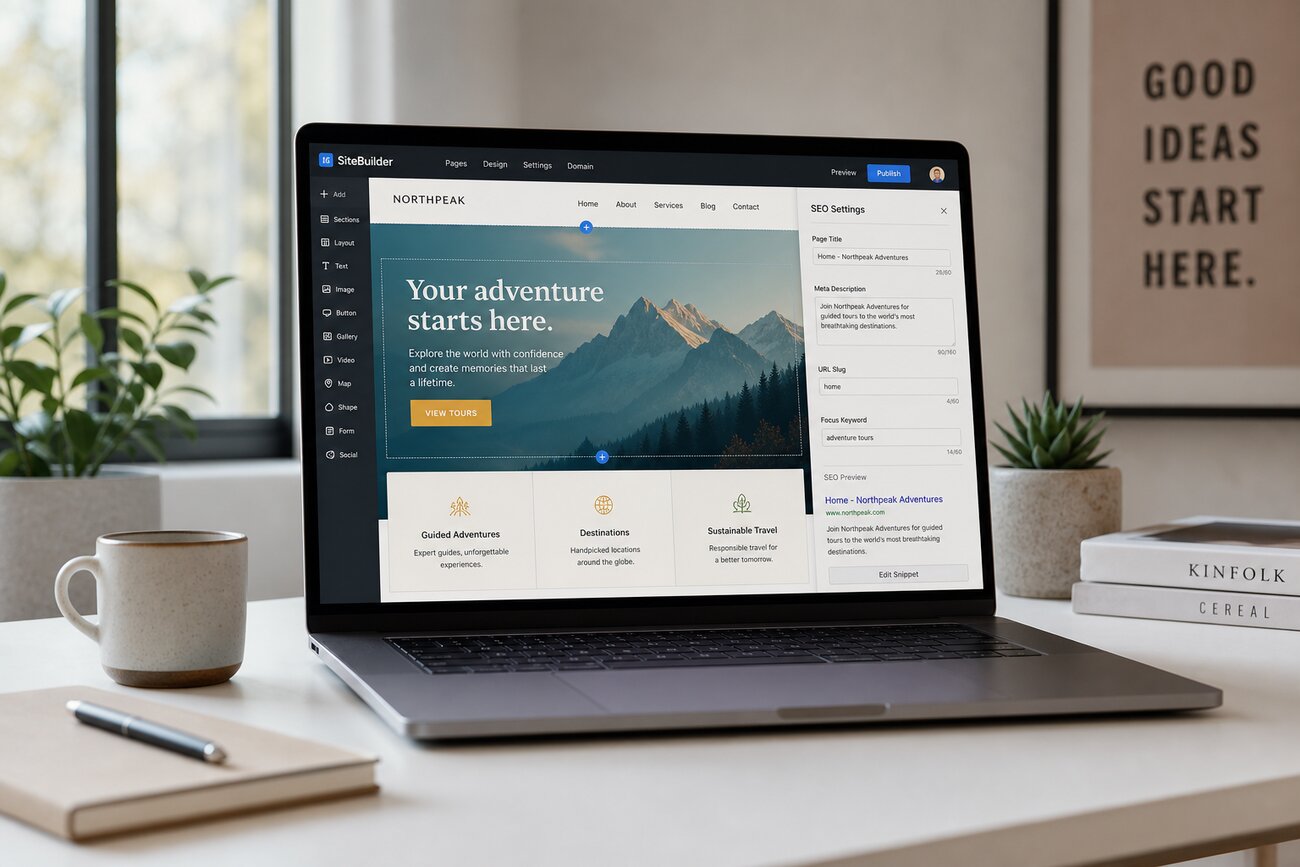
A landing page analyzer is useful because traffic alone does not mean your landing page is working. A page can attract clicks, sessions, and impressions while still failing at the only outcome that matters: turning the right visitors into qualified leads or customers at an acquisition cost your business can afford.
What a Working Landing Page Actually Means
A working landing page is not simply a page that gets visits. It is a page that converts the right audience into the right action: a demo request, consultation booking, quote request, purchase, or another measurable step that supports revenue.
Clicks, time on page, scroll depth, and impressions are useful diagnostic signals, but they are not proof of success. The core business question is: is this page helping us acquire qualified leads profitably and predictably? Vanity metrics show activity, diagnostic metrics explain behavior, and revenue metrics reveal whether the page is actually working.
Use a Landing Page Analyzer to Check the Conversion Fundamentals
A landing page analyzer helps you evaluate the page against practical conversion criteria instead of relying on opinion. It can highlight whether the headline matches the ad, email, search query, or campaign promise that brought visitors there. If the message before the click and after the click do not match, conversion quality usually suffers.
Use the analysis to check the essentials above the fold: the offer, call to action, form, proof points, and page structure. Look for friction such as unclear copy, multiple competing CTAs, slow load time, weak trust signals, or unnecessary form fields. For a deeper breakdown of conversion elements, see this guide to the anatomy of a high-converting landing page.
Automated tools are helpful, but they should guide investigation, not replace real conversion data. A landing page analyzer can show what might be wrong; your analytics, CRM, sales feedback, and test results show what is actually affecting revenue.
The Metrics That Show Whether Your Landing Page Is Generating Qualified Leads
The most important metrics are not just visits and form fills. Track conversion rate, lead-to-opportunity rate, cost per lead, cost per qualified lead, revenue per visitor, and close rate by source. Form submissions alone can be misleading if sales rejects many of them as irrelevant, unresponsive, or outside your ideal customer profile.
Segment performance by source, campaign, device, audience, and offer. Also track micro-conversions such as CTA clicks, form starts, pricing-page visits, video engagement, and scroll depth. These signals help explain whether visitors understand the offer and show intent before they convert.
Compare results against past campaigns, channel benchmarks, and profitability targets. A “good” conversion rate is only good if the resulting leads can become pipeline and customers at a sustainable cost.
How to Tell If Traffic Quality Is the Real Problem
A strong landing page can still fail if the audience is wrong. If bounce rate is high, form-start rate is low, and lead quality varies heavily by channel, the issue may be targeting rather than page design.
Review ad copy, keywords, email segmentation, referral sources, and audience settings. The question to answer is simple: did visitors arrive expecting the thing your page actually offers? Heatmaps, session recordings, and analytics paths can show whether people understand the offer or leave immediately.
Separate acquisition problems from landing page problems before redesigning. Otherwise, you may rewrite a page that is not broken while continuing to send it the wrong visitors.
What a Website Grader Can Reveal Before You Run More Campaigns
A website grader gives you a broader view than a single conversion review. It can surface technical, UX, content, mobile, security, metadata, accessibility, and performance issues that quietly reduce trust and conversions.
Check page speed, mobile usability, form behavior, broken elements, crawl/indexation basics, security signals, and unnecessary scripts. Even strong copy can underperform if the page loads slowly, the mobile form is difficult to complete, or visitors see warning signs that reduce confidence.
Do not chase a perfect score for its own sake. Use the website grader to prioritize fixes that affect user trust, lead quality, and conversion economics, such as compressing images, simplifying scripts, improving mobile forms, and clarifying navigation exits.
Turn Findings Into a Website Audit Report Your Team Can Act On
A useful website audit report does more than list problems. It should include the campaign goal, baseline metrics, key findings, evidence, priority level, and recommended actions. The best reports connect every recommendation to a business outcome.
Group findings into practical categories:
- Copy: headline clarity, offer framing, objections, and trust messages.
- Design: visual hierarchy, CTA visibility, form placement, and mobile layout.
- Technical performance: speed, scripts, tracking, security, and form reliability.
- Offer and traffic quality: audience match, intent, lead quality, and source performance.
Support the website audit report with screenshots, analytics data, heatmap observations, and CRM feedback. End with a 30-day testing roadmap, not a vague list of best practices. If follow-up speed affects lead quality, connect the page to your sales process using a clear website-to-CRM integration strategy.
A Simple Landing Page Testing Framework for Profitable Improvement
Start with one hypothesis tied to a business metric. For example: “Shortening the form from eight fields to four will increase qualified demo requests and reduce cost per qualified lead.” This is stronger than “Let’s try a new design.”
Test high-impact elements first: headline, offer framing, CTA language, form length, proof points, page speed, and audience-message match. Use A/B testing when traffic volume is sufficient. If traffic is low, rely on qualitative research, user interviews, sales feedback, and sequential testing.
Always measure downstream quality after the test. A landing page analyzer may show a higher conversion rate, but the real win is more qualified leads, more pipeline, and better profitability.
Common False Positives: When a Landing Page Looks Successful but Is Not
A landing page can look successful while quietly wasting budget. A high conversion rate may hide poor lead quality, weak buying intent, spam submissions, or acquisition costs that exceed customer value.
Watch for warning signs: many irrelevant inquiries, low sales follow-up rates, poor CRM fit, high spam, or leads who only want free resources. Portfolio pages, free templates, and website builders can attract traffic, but they still fail if the conversion path is unclear. The page works only when it produces the right action from the right audience at the right cost.
FAQ
What is the best free portfolio website maker if I need leads, not just views?
The best free portfolio website maker is the one that lets you show proof, add clear CTAs, track conversions, and connect inquiries to your analytics or CRM. A beautiful portfolio is not enough if visitors cannot easily contact you or request your service.
What is the free website to put my portfolio on?
Common options include Wix, GitHub Pages, Behance, Notion-based pages, and other portfolio platforms. The platform matters less than whether the page attracts qualified visitors and gives them a clear next step.
What is the best free portfolio?
The best free portfolio is one that matches your goal. For designers, visual platforms may work well. For developers, GitHub Pages can be useful. For lead generation, choose a platform that supports forms, analytics, case studies, testimonials, and conversion tracking.
Is Google portfolio free?
Google does not currently offer a full standalone portfolio builder in the same way dedicated website builders do. You can use free Google tools to host, organize, or share work in limited ways, but you still need a conversion-focused page and proper tracking.
Is Wix website builder really free?
Wix has a free plan, but it includes limitations such as Wix branding, domain restrictions, and feature constraints. Those limits may be acceptable for a basic portfolio, but they can reduce professionalism and tracking flexibility for lead generation.
What is a disadvantage of using Wix for a landing page?
A disadvantage of using Wix can be limited control compared with dedicated landing page builders, WordPress, Webflow, or custom development. Depending on your campaign, performance, tracking, testing flexibility, integrations, and plan costs may also matter.
How much does Wix cost to build a website?
Wix pricing changes over time, so check the current plan details before deciding. Evaluate the cost against business needs such as a custom domain, ad removal, analytics, forms, integrations, ecommerce, and conversion optimization features.
What is better than Wix for landing page optimization?
What is better than Wix depends on your goal. Dedicated landing page builders, WordPress, Webflow, and custom-built pages can offer more control for testing, analytics, page speed, and CRM integration. The best choice is the one that helps you convert qualified visitors profitably.
Share Article
Your Digital Edge, Fully Automated
Spin up a cutting-edge website in minutes and preview it free - no signup, no credit card. Then keep growing it with MR.ROBOT's AI pipeline that writes, optimizes, and publishes SEO articles straight from your phone.
No signup. No credit card. You only pay when you love the result.