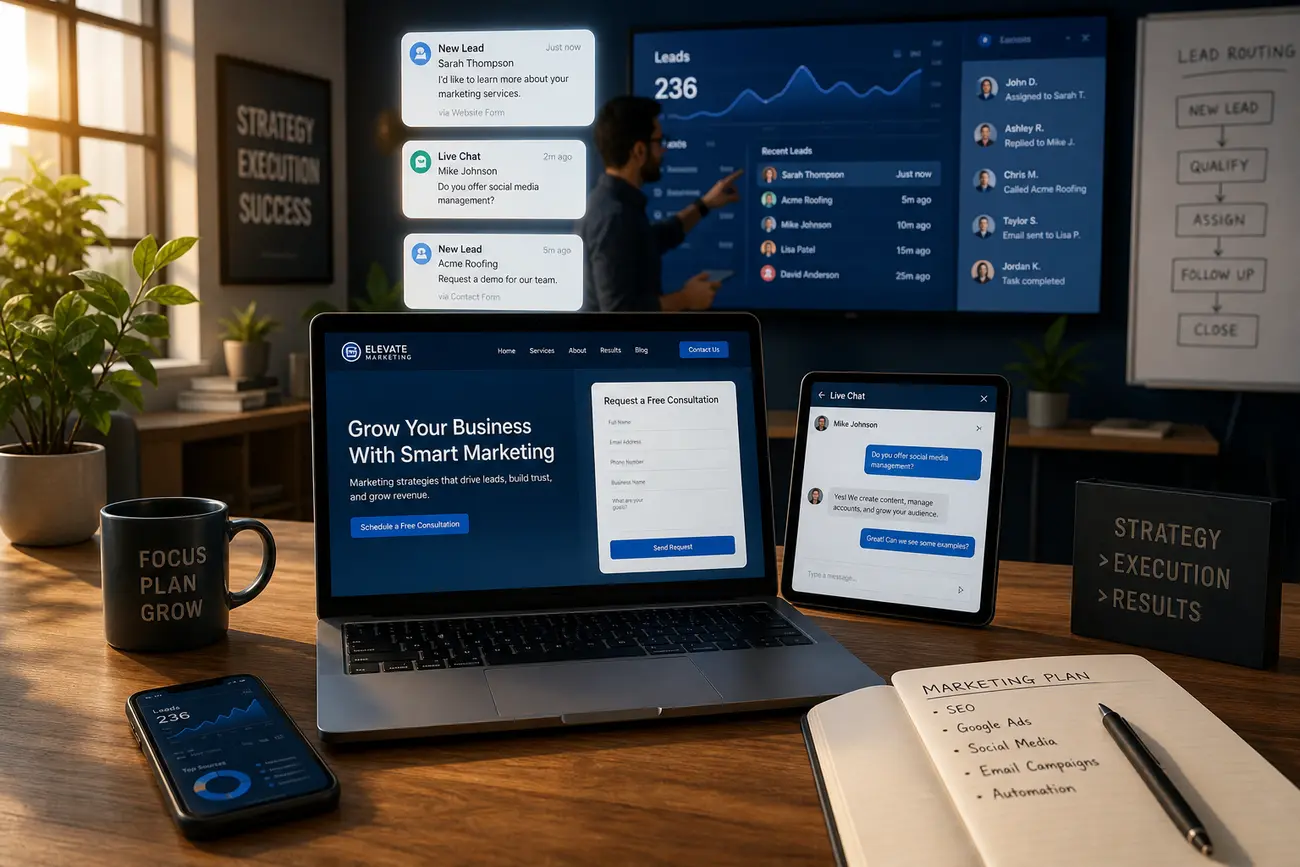
A services page should do more than list what your business sells; it should guide the right visitors from problem awareness to trust, qualification, and inquiry. For a service business website to generate qualified leads, every page needs a clear job: explain fit, reduce doubt, show proof, and make the next step easy.
The Lead-Generating Role of a Service Business Website
Your website is not just an online brochure. Its job is to attract prospects with the right problem, show that your service is relevant, prove you can deliver, and create a low-friction path to contact. A qualified lead is not simply anyone who fills out a form; it is someone with the right need, budget, location or industry fit, and enough urgency to move forward.
This is why many generic portfolio sites and free website builder templates fail for service businesses. They may look polished, but if they lack conversion strategy, proof, qualification cues, and follow-up systems, they often generate unqualified inquiries or no inquiries at all.
Build the Core Pages Before You Worry About Design
Before choosing colors, animations, or layouts, build the core structure: homepage, services page, individual service pages, about page, case studies or results, testimonials, contact page, and FAQ. Each page should move a visitor one step closer to making an inquiry, not simply provide background information.
A homepage should quickly explain who you help and why you are credible. Individual service pages should answer specific buying questions. Case studies and testimonials should reduce risk. A contact page should make action obvious. A service provider website template can be useful as a starting point, but only if it supports clear messaging, trust signals, and strong calls to action.
What Every Services Page Needs to Convert Visitors
Your primary services page should summarize who you help, what problems you solve, and which services are available. Avoid vague lists such as “consulting,” “support,” or “strategy.” Instead, connect each service to a business outcome: fewer delays, more leads, lower risk, better systems, or faster delivery.
Include service categories, short outcome-driven descriptions, internal links to deeper service pages, proof points, FAQs, and a clear call to action. A strong services page also pre-qualifies visitors by naming industries served, minimum project size, typical timelines, service area, or ideal client profile.
- Who it is for: the audience, industry, or business stage you serve best.
- What problem it solves: the pain point or opportunity behind the service.
- What happens next: consultation, quote, assessment, audit, or booking.
Proof Elements That Make Prospects Trust You
Qualified prospects need evidence before they contact you. Add testimonials, reviews, case studies, before-and-after examples, client logos, certifications, awards, sample deliverables, and measurable outcomes where available. Place proof near decision points, especially on the homepage, services page, individual service pages, and contact page.
If you do not have many case studies yet, use process explanations, team credentials, documented experience, guarantees, or examples of your work. For example, a managed service provider website template should make room for uptime commitments, security credentials, response-time expectations, compliance experience, and client success stories. Trust is not decoration; it is part of conversion.
Conversion Paths: Make It Easy to Take the Next Step
Different visitors have different levels of intent. High-intent prospects may want to book a consultation, request a quote, call, or submit a form immediately. Early-stage visitors may need a checklist, guide, audit, pricing overview, or assessment before they are ready to talk.
Reduce friction with short forms, visible contact details, calendar booking, click-to-call options, and clear expectations about response time. Your thank-you page or confirmation message should reinforce credibility and explain what happens next. If you want a deeper framework, see this guide on how to build a landing page that converts more leads.
Content That Pre-Qualifies Leads Before They Contact You
Good website content filters poor-fit inquiries before they reach your inbox. Include pricing guidance, service fit criteria, timelines, process details, common objections, and FAQs. This does not mean publishing a fixed price for every situation; it means helping prospects understand whether they are in the right range.
Educational content should also answer comparison and decision-making searches. Visitors may ask about a free website builder, a free portfolio website template, website builder pricing, Wix, Google tools, Portfoliobox, or whether ChatGPT can build a website. Answer these honestly: basic tools can help with visibility, but they rarely replace a strategic lead-generation site with positioning, proof, conversion paths, and tracking.
Follow-Up Connections Your Website Should Have Behind the Scenes
A lead-generating website needs systems behind the form. Connect inquiries and booking tools to a CRM, email notifications, automated follow-up, and lead source tracking. Track form submissions, calls, booked meetings, and campaign UTMs so you know which pages and channels create real opportunities.
The website is only one part of the lead system. Fast follow-up often determines whether an inquiry becomes revenue. Create a process for responding quickly, qualifying fit, assigning ownership, and nurturing leads who are not ready to buy. For more detail, read this guide to website-to-CRM integration strategy for faster follow-up.
How to Choose Between a Template, Website Builder, or Custom Website
Free website builders, paid builders, templates, AI-generated websites, and custom builds can all work in the right context. Simple portfolio builders are fine for basic visibility. Wix, GitHub templates, AI tools, and portfolio platforms can help you publish quickly. But a service business that depends on qualified leads needs strategy, copy, a strong services page, proof, conversion paths, analytics, and follow-up.
Use a service provider website template only if it can be customized around your positioning, services, proof, and lead capture. If you are choosing between options, use this checklist:
- Can you clearly explain who you serve and what outcomes you deliver?
- Can you create dedicated pages for each core service?
- Can you add testimonials, case studies, FAQs, and calls to action?
- Can you connect forms to email, CRM, analytics, and booking tools?
- Can the site scale as your content, offers, and campaigns grow?
FAQ
What is the best free portfolio website for a service business?
The best free portfolio website is the one that lets you present services, proof, testimonials, contact forms, and basic tracking. For a service business, a visual portfolio alone is not enough; it must support lead generation and a clear services page.
Is Google Portfolio free?
Google offers free tools that can help you appear online, such as a Business Profile and simple publishing options, but these are not a full replacement for a dedicated service business website with service pages, conversion paths, and lead tracking.
How can I make a portfolio website for free?
You can use a free builder or free portfolio website template, add your best work, describe your services, include testimonials, and create a contact path. To generate leads, also add service descriptions, qualification cues, and calls to action.
Is Portfoliobox really free?
Portfoliobox has offered free or entry-level options, but features, branding, domains, storage, and commerce tools may vary by plan. Check current pricing before committing, especially if you need forms, SEO controls, or business integrations.
Is Wix website builder really free?
Wix has a free tier, but it usually includes limitations such as Wix branding, domain restrictions, storage or feature constraints, and fewer business tools. A paid plan is often needed for a professional service business website.
What is a disadvantage of using Wix for a service business website?
A disadvantage of Wix is that it can become limiting as your needs grow, especially around advanced flexibility, performance tuning, complex SEO, custom integrations, or scaling beyond a basic template. It can still work well for simple sites.
How much does Wix cost to build a website?
Wix costs vary based on plan, domain, apps, business features, design help, and whether you need ecommerce or booking tools. Always check current Wix pricing and include add-ons, setup time, and ongoing maintenance in your budget.
What is better than Wix?
What is better than Wix depends on your goals. Some businesses may prefer WordPress, Webflow, Squarespace, Shopify, or a custom build. For service providers, the best option is the one that supports SEO, editing, integrations, conversion tracking, and a strong services page.
Can ChatGPT build me a website?
ChatGPT can help plan your structure, draft copy, generate code ideas, and brainstorm calls to action. It does not replace strategy, design judgment, implementation, analytics setup, compliance checks, testing, or ongoing optimization.
Which website builder is the best for service providers?
The best website builder for service providers is the one that fits your team’s skills and growth goals. Look for easy editing, SEO controls, fast performance, form and CRM integrations, conversion features, and the ability to build a clear, persuasive services page.
Share Article
Your Digital Edge, Fully Automated
Spin up a cutting-edge website in minutes and preview it free - no signup, no credit card. Then keep growing it with MR.ROBOT's AI pipeline that writes, optimizes, and publishes SEO articles straight from your phone.
No signup. No credit card. You only pay when you love the result.