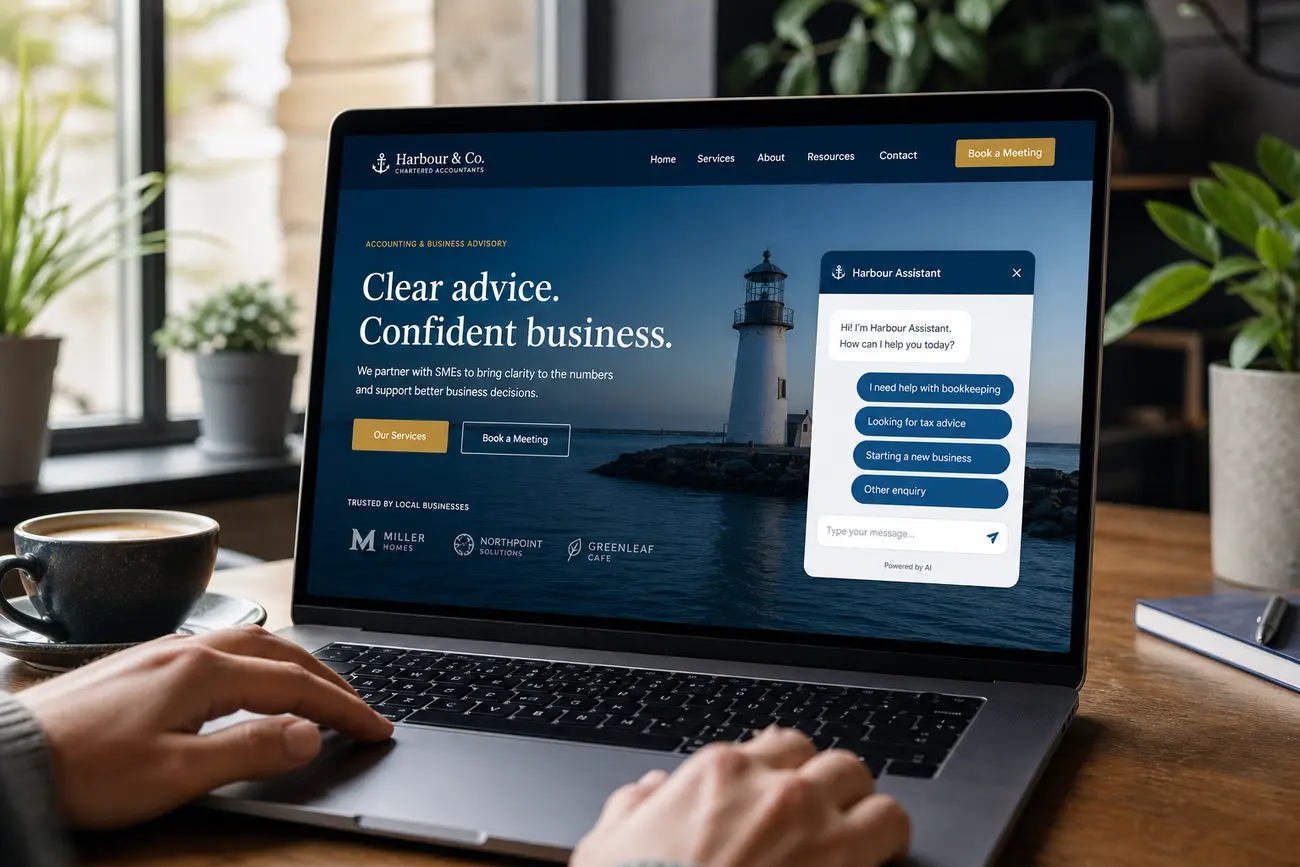
WhatsApp automation can stop high-intent enquiries from disappearing inside busy chat threads, missed replies, and untracked follow-ups. In this guide, you will learn how to turn WhatsApp from an informal inbox into a reliable lead management workflow that captures, qualifies, follows up, and converts more prospects.
Why WhatsApp Leads Get Lost Before They Convert
WhatsApp leads are usually high-intent. Someone who messages your business is often ready to ask a specific question, compare options, check pricing, book an appointment, or buy. The problem is that the conversation feels instant, so teams assume it is being handled, even when no one owns the next action.
The most common conversion leaks are slow first replies, no assigned chat owner, no qualification questions, forgotten follow-ups, and no CRM or spreadsheet record outside the chat. Better lead management is not about sending more messages; it is about creating a repeatable path from first enquiry to closed sale.
Trust also matters. WhatsApp is sometimes considered shady because scammers and spammers use it too. A legitimate business should use a complete profile, clear consent, professional language, and transparent pricing or next steps to make the conversation feel safe.
Set Up a WhatsApp Business Account Built for Conversions
Use a dedicated whatsapp business account instead of a personal number. Prospects should see your business name, category, hours, website, description, and contact details before they decide whether to reply. A complete profile reduces doubt and makes your team look more established.
Before running ads or adding WhatsApp buttons to your website, configure the basics:
- Greeting message: welcome new contacts and set expectations.
- Away message: explain when you will respond outside business hours.
- Labels: track status such as New, Qualified, Hot, Won, or Lost.
- Quick replies: answer repeat questions about pricing, availability, booking, delivery, and payment.
- Catalogue: show products or services when relevant.
Define ownership too: who handles new enquiries, sales conversations, support issues, and escalations. US citizens and US businesses can use WhatsApp and WhatsApp Business, but they should still follow applicable privacy, consent, and marketing rules.
Capture Every Enquiry with WhatsApp Automation
WhatsApp automation should start the moment a lead messages from an ad, landing page, QR code, social profile, Google Business Profile, or website button. An instant welcome reply reassures the prospect that the message was received and keeps the buying momentum alive.
Ask one or two short qualifying questions, not a long form. For example: “What service are you interested in?” and “When would you like to get started?” You can route leads by intent: pricing request, booking request, support issue, repeat customer, partnership enquiry, or new sales opportunity.
Use click-to-WhatsApp links with pre-filled messages so the source and intent are easier to identify. Where possible, connect WhatsApp to a CRM, helpdesk, or lead sheet so conversations are logged outside the chat thread. For a deeper setup, see WhatsApp Business Integration: Connect Campaigns and Convert Leads.
Qualify Leads Without Slowing Down the Conversation
The best qualification process feels like a helpful conversation. Use a simple lead score based on urgency, fit, budget, decision-maker status, and purchase timeline. A lead who needs the right service this week and has budget should be treated differently from someone casually browsing.
Create templates for common paths: quote request, appointment booking, product recommendation, demo request, and support-to-sales handoff. WhatsApp automation can collect the basics, but a human should take over for complex pricing, objections, complaints, negotiation, or high-value deals.
- New: message received, not yet reviewed.
- Qualified: need and fit confirmed.
- Hot: urgent or ready to buy.
- Waiting for Customer: next action is with the prospect.
- Follow Up Today: must be contacted before close of business.
Follow Up Faster with Better WhatsApp Customer Service
WhatsApp customer service is not only a support function; it is a conversion tool. Fast, useful replies reduce hesitation. Set response-time targets, such as replying within five minutes during business hours and using away messages when the team is offline.
Use quick replies for FAQs about pricing, delivery, availability, returns, booking steps, and payment options. But do not send generic reminders. Personalize follow-ups with the prospect’s name, need, and last discussed action.
A simple cadence works well: instant response, same-day reminder, next-day check-in, final value-based nudge, then a respectful close. If you use AI to qualify enquiries, make sure the handoff is smooth; this guide on AI Chatbots That Qualify Leads Without Friction is a useful next read.
Track WhatsApp Leads from First Message to Revenue
If a lead stays only inside WhatsApp, it is hard to know which campaigns actually produce revenue. Track every source: paid ads, organic social, website buttons, landing pages, Google Business Profile, referrals, QR codes, and WhatsApp Web links.
Record the stage for each lead: captured, contacted, qualified, quoted, booked, paid, fulfilled, repeat customer, or lost. Then measure first response time, qualification rate, booking rate, quote-to-close rate, average order value, and lost-lead reasons.
Review transcripts and outcomes weekly. Look for repeated objections, unclear pricing questions, slow handoffs, and campaigns that create low-quality enquiries. Small improvements to scripts, labels, and automation rules can lift conversion without increasing ad spend.
Use WhatsApp Web and Desktop Without Creating Security Risks
WhatsApp Web and desktop access help teams manage leads faster on a laptop: agents can type quickly, view longer chat history, copy approved replies, upload files, and update a CRM while the conversation is open. In a few lines about laptop use: it is practical for sales teams because it turns mobile chats into a workable desk-based workflow.
For WhatsApp Web login, open the official WhatsApp Web page or desktop app, scan the WhatsApp Web QR code from your phone, and use it only on trusted devices. If using WhatsApp Web login Chrome, avoid public computers and always log out after shared-device sessions. Download WhatsApp Web Desktop only from official sources.
Set internal rules for device access, two-step verification, logout routines, and who may export or copy customer data. WhatsApp status can support light promotion, but it should not replace direct lead tracking. To put a status in WhatsApp on a laptop, open WhatsApp Web or Desktop, go to Status or Updates, and use the add option if available; if your version does not support posting, publish the status from your phone.
A Simple WhatsApp Lead Management Workflow You Can Implement This Week
You do not need a complex system to start. Build a workflow that makes every enquiry visible, assigned, qualified, and followed up.
- Step 1: Audit your whatsapp business account profile, labels, quick replies, catalogue, and business hours.
- Step 2: Map all lead sources and add click-to-WhatsApp links or QR codes with clear entry messages.
- Step 3: Create an automated greeting and two qualification questions for every new enquiry.
- Step 4: Assign ownership rules so every lead has a responsible team member and next action.
- Step 5: Track status daily in a CRM, spreadsheet, or helpdesk.
- Step 6: Improve one funnel area at a time: faster replies, better qualification, stronger follow-up, or clearer closing messages.
The goal of WhatsApp automation is not to remove the human relationship. It is to protect it by making sure no serious buyer is ignored, misrouted, or forgotten.
FAQ
Why would someone use WhatsApp to contact a business?
People use WhatsApp because it is fast, familiar, mobile-first, and conversational. It lets customers ask questions without filling out a long form or waiting for an email reply.
Is there a downside to using WhatsApp for lead management?
Yes. Chats can become disorganized if you do not use labels, ownership rules, automation, and external tracking. Without a workflow, good leads can be missed or forgotten.
Why is WhatsApp sometimes considered shady?
WhatsApp can feel shady because scammers and spammers also use it. Legitimate businesses should build trust with a complete profile, consent-based messaging, clear identity, and professional communication.
Can US citizens use WhatsApp?
Yes. US citizens and US businesses can use WhatsApp, including WhatsApp Business. Businesses should still follow relevant privacy, data protection, and marketing consent requirements.
What is a good WhatsApp status for a business?
A good status is short, useful, and action-led: a limited offer, booking reminder, new product notice, helpful tip, or availability update. A good job caption should be equally clear and professional.
How do I use WhatsApp Web to manage leads on a laptop?
Open WhatsApp Web or the desktop app, scan the QR code from your phone, and manage chats only on secure devices. Log out when finished, especially on shared computers.
Share Article
Your Digital Edge, Fully Automated
Spin up a cutting-edge website in minutes and preview it free - no signup, no credit card. Then keep growing it with MR.ROBOT's AI pipeline that writes, optimizes, and publishes SEO articles straight from your phone.
No signup. No credit card. You only pay when you love the result.