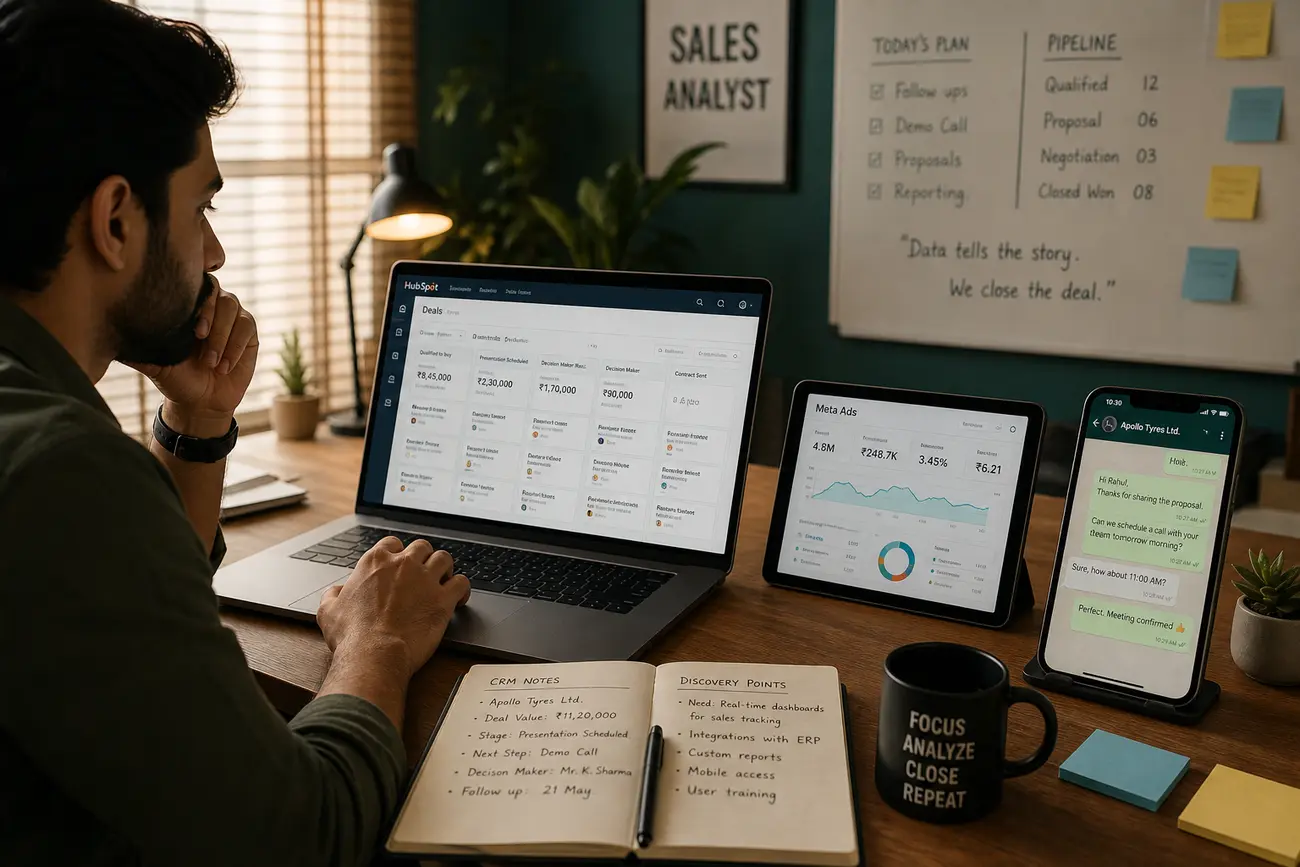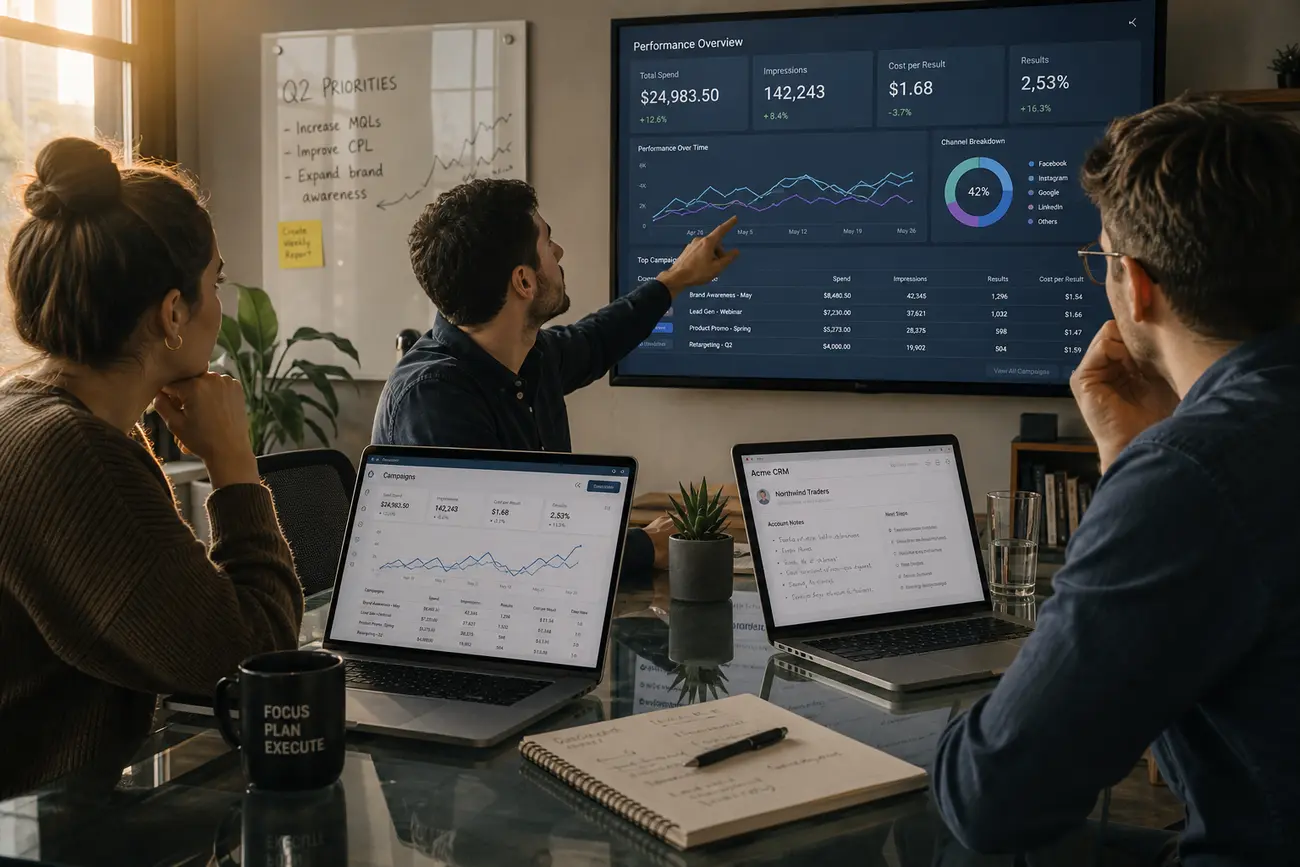
A practical google ads and hubspot integration can solve the most expensive reporting gap in SMB marketing: ad platforms show clicks and form fills, but the sales team still cannot tell which campaigns created real pipeline. This guide shows how to connect Google Ads, Meta Ads, and your CRM so you can track every lead from first click to qualified opportunity, customer, or lost deal.
Why Clicks Are Not Enough: Define What a Qualified Lead Means
Clicks, impressions, form fills, and platform conversions are useful signals, but they are not the same as sales-ready demand. A campaign can produce cheap leads that never answer the phone, have no budget, or are outside your service area. That is why every lead tracking system should separate raw conversions from qualified pipeline.
For most SMBs, the core lifecycle stages are new lead, marketing-qualified lead, sales-qualified lead, opportunity, customer, and lost lead. The goal is to connect the original ad source, campaign, keyword or creative, landing page, CRM record, and revenue outcome.
This matters because the cheapest lead source is not always the best one. Google Ads may cost more per lead but produce buyers with urgent intent. Meta Ads may assist earlier-stage demand. Your CRM is where those differences become visible.
Map the Full Lead Journey Before You Connect Any Tools
Before connecting platforms, list every way a prospect can enter your business: Google Ads landing pages, Google Lead Form Assets, Meta instant forms, website forms, chat widgets, phone calls, WhatsApp messages, and calendar bookings. If even one channel is not mapped, attribution will be incomplete.
Create a simple tracking taxonomy for source, medium, campaign, ad set, keyword, creative, offer, and landing page. Use consistent UTM parameters across Google Ads, Meta Ads, email, and organic campaigns so the CRM receives clean, comparable data. If your website, ads, and messaging channels are disconnected, this related guide on how to connect your website, ads, and WhatsApp into one lead system is a useful next step.
Choose one primary identifier to prevent duplicate records, usually email address, phone number, or CRM contact ID. For phone-heavy businesses, standardize phone formatting. For B2B, require email where possible. Duplicate records are one of the fastest ways to break campaign-level ROI reporting.
Set Up a google ads and hubspot integration That Tracks Lead Quality
A strong Google Ads and HubSpot integration should pass more than “lead submitted.” Capture campaign, ad group, keyword, match type, landing page, form submission, GCLID, and lifecycle stage. The GCLID is especially important because it helps connect the original Google click to later CRM outcomes.
You can connect Google Ads and HubSpot using HubSpot’s native ads integration, HubSpot tracking code, HubSpot forms, and hidden fields on landing pages. Hidden fields should store UTM data and click IDs automatically, without asking the lead to enter them. Once leads enter HubSpot, use lists, lifecycle stages, and lead scoring to separate raw conversions from qualified opportunities.
The biggest upgrade is importing offline conversions back into Google Ads when a lead becomes qualified, becomes an opportunity, or closes as a customer. This teaches Google which clicks created business value, not just form submissions. A google ads and hubspot integration is most useful when Google Ads cost data and HubSpot revenue data appear in one dashboard, showing cost per qualified lead and return on ad spend.
Connect Meta Campaigns to HubSpot With meta ads hubspot Tracking
Meta campaigns usually create leads in two ways: website conversion campaigns that send users to your landing page, or instant lead forms that open inside Facebook or Instagram. A reliable meta ads hubspot setup should capture campaign name, ad set, ad ID, creative, placement, form name, and lead timestamp.
You can sync Meta leads into HubSpot using HubSpot’s native ads tool, Zapier, Make, or a server-side connector. Map Meta form questions to CRM fields so sales reps see context before follow-up, such as service interest, location, budget, or preferred contact time.
Meta Pixel, Conversions API, and HubSpot tracking can work together to improve attribution accuracy. Pixel data helps track browser events, Conversions API can send server-side events, and HubSpot records the contact-level sales journey. For follow-up-heavy lead generation, especially when WhatsApp is involved, you may also want to review how to manage WhatsApp leads without missing follow-ups.
Use zoho crm and google ads integration If Zoho Is Your Sales System
The same principles apply if Zoho CRM is your sales system instead of HubSpot. A zoho crm and google ads integration should capture GCLID, campaign, keyword, ad group, landing page, lead source, and conversion action, then connect those fields to lead status, deal stage, and closed-won revenue.
You can connect Zoho CRM with Google Ads through native Zoho tools, Google Ads offline conversion imports, or automation platforms. The key is not just moving leads into Zoho, but sending qualified and closed-won outcomes back into reporting.
Do not judge campaigns only by Google Ads conversions. If Zoho shows that one campaign produces many leads but few qualified calls, while another produces fewer leads but more deals, budget should move toward the campaign with stronger sales outcomes.
Build One Dashboard for Channel, Campaign, and Sales Performance
Your dashboard should have three levels: an executive summary, channel performance, and campaign or ad-level drilldown. The executive view answers whether marketing is producing profitable pipeline. The channel view compares Google Ads, Meta Ads, organic, referrals, and other sources. The drilldown shows which campaigns, keywords, creatives, and offers deserve more budget.
Track the metrics that connect spend to sales: spend, leads, cost per lead, qualified leads, cost per qualified lead, opportunities, revenue, close rate, and return on ad spend. Review Google Ads, Meta Ads, and CRM outcomes side by side instead of checking each platform in isolation.
Use Looker Studio, HubSpot dashboards, Zoho Analytics, or a BI tool depending on your budget and complexity. In the weekly review, ask three questions: which campaigns created qualified leads, which created noise, and where should budget move next?
Avoid the Attribution Mistakes That Break Lead Tracking
Most lead tracking systems fail because of small operational errors: inconsistent UTM naming, missing hidden fields, duplicate contacts, disconnected forms, and sales reps not updating lead status. Last-click attribution can also mislead you by undervaluing Meta Ads or upper-funnel campaigns that assist conversions before a branded Google search closes the lead.
Privacy changes, cookie loss, iOS limitations, and consent requirements mean tracking will never be perfect. That makes CRM data hygiene even more important. Document your field mappings, naming conventions, conversion definitions, and ownership between marketing and sales.
A practical implementation sequence is: audit all lead sources, standardize UTMs, connect platforms, test sample leads, sync qualified conversions, and then build reporting. Whether you use a google ads and hubspot integration, a meta ads hubspot workflow, or Zoho, the system should be judged by pipeline accuracy, not just technical connection.
FAQ
What is the Meta Ads Library?
The Meta Ads Library is Meta’s public database of active ads running across Facebook, Instagram, Messenger, and Meta partner placements. It is useful for competitor research, creative research, and checking what ads a page is currently running.
How do I access the Meta Ad Library?
Search for “Meta Ads Library” or “Facebook Ads Library” and use Meta’s public search interface. You can search by advertiser, keyword, country, ad category, and platform availability.
Is the Facebook Ads Library free?
Yes. The Facebook Ads Library is free to use for basic searches, and you do not need an advertiser account to view public ad examples.
Where do I see my Meta ads?
If you are the advertiser, you manage your own campaigns inside Meta Ads Manager. If you want to see public versions of ads from your page or competitors, use the Meta Ads Library.
Is $10 a day enough for Google Ads?
$10 a day can be enough for a small test in a low-cost niche or local market, but it is often too limited for competitive lead generation. The answer depends on cost per click, conversion rate, and how many leads you need for meaningful learning.
How much does it cost for a Google ad?
The cost of a Google ad depends on industry, keyword competition, location, Quality Score, bidding strategy, and match type. Some clicks may cost very little, while competitive legal, finance, home service, or B2B keywords can cost much more.
Is $20 a day good for Google Ads?
$20 a day can support a small local campaign or early test, especially if clicks are inexpensive. However, if your cost per click is high, the campaign may take a long time to generate enough conversions for reliable decisions.
What are Local Service Ads?
Local Service Ads are Google ads designed for local service businesses such as plumbers, electricians, cleaners, and lawyers. They often appear near the top of search results and commonly charge per lead rather than per click.
How much do Local Service Ads cost?
Local Service Ads costs vary by location, service category, competition, and lead demand. Google typically sets lead prices based on the market and type of service, so costs should be evaluated against qualified calls and booked jobs.
How do I stop Google Ads on my phone?
If you are an advertiser, pause or remove campaigns inside your Google Ads account. If you are a mobile user trying to reduce ad personalization, adjust ad personalization settings in your Google account or device privacy settings; this does not remove all ads, but it can limit personalized targeting.
Share Article
Your Digital Edge, Fully Automated
Spin up a cutting-edge website in minutes and preview it free - no signup, no credit card. Then keep growing it with MR.ROBOT's AI pipeline that writes, optimizes, and publishes SEO articles straight from your phone.
No signup. No credit card. You only pay when you love the result.