A whatsapp lead generation campaign can turn wasted ad clicks into fast, trackable sales conversations. If people click your Google or Meta ads, visit your site, and then disappear because your forms, WhatsApp chats, and follow-up process are disconnected, this guide shows how to connect the full path from campaign source to conversation to sale.
Why your ads need to connect directly to WhatsApp conversations
Many small businesses get traffic but lose leads in the gap between a page view, a form fill, and a real conversation. WhatsApp reduces that gap because the visitor can ask a question immediately, share details, and receive a personal reply without waiting for email.
The goal is not just “more messages.” A strong WhatsApp funnel connects the ad source, landing page behavior, pre-filled chat message, and sales follow-up. That way, a lead from Google Search, Instagram, Facebook, or retargeting can be identified and measured instead of becoming another anonymous chat.
Plan a whatsapp lead generation campaign before you build the funnel
Before building the page or ads, define what the whatsapp lead generation campaign should produce: a quote request, booking, product inquiry, consultation, or support-to-sales handoff. Then match the offer to the audience’s intent. Someone searching “emergency plumber near me” needs speed; someone comparing software may need a consultation.
- Journey: ad click, landing page, WhatsApp CTA, conversation, CRM follow-up.
- Lead data: campaign source, service interest, location, budget, urgency, and consent.
- Sales context: what the person clicked, what offer they saw, and what message they sent.
Build a landing page that makes WhatsApp the next obvious step
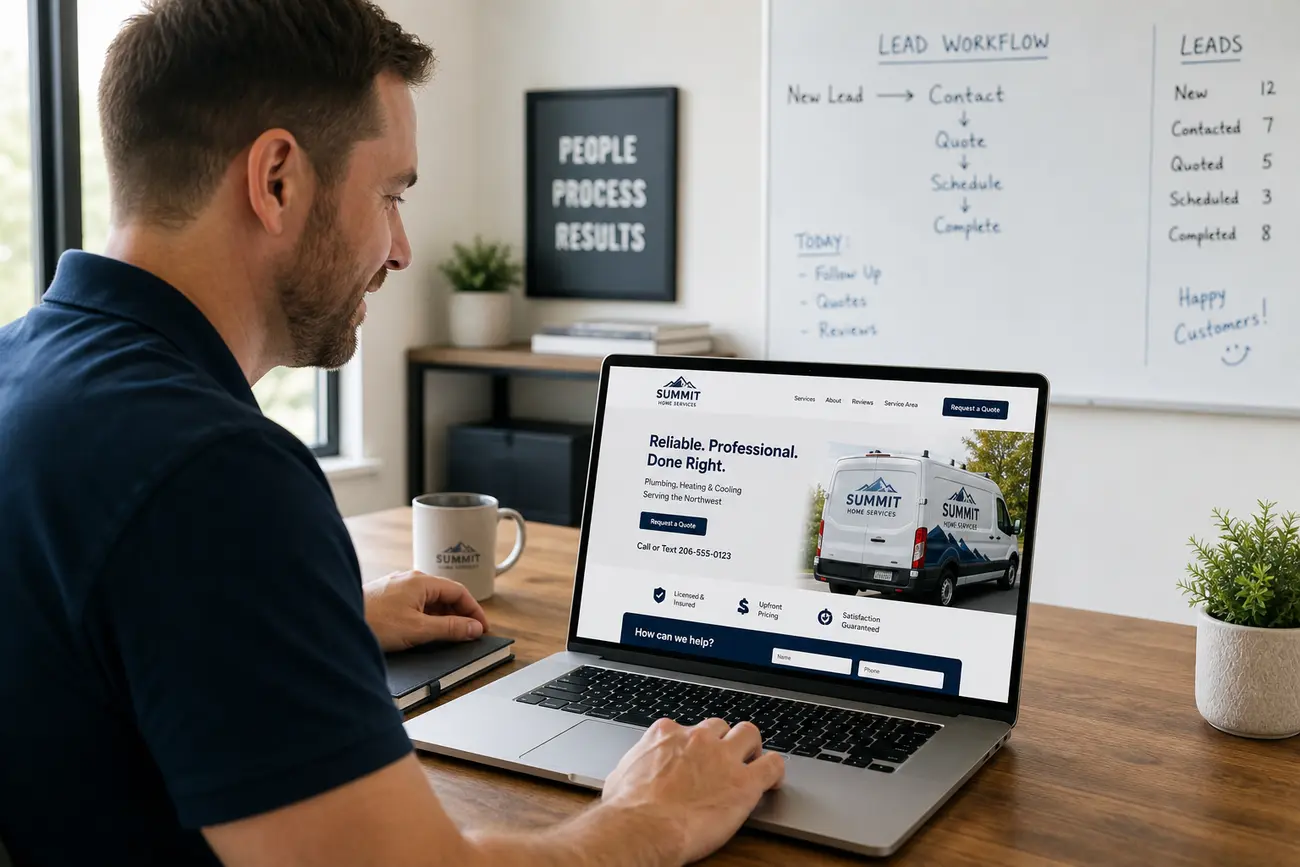
Your landing page should make WhatsApp feel like the natural next action. Place a clear CTA above the fold and near high-intent sections, using benefit-led wording such as “Get a quick quote on WhatsApp” instead of “Contact us.” Add trust signals: reviews, delivery areas, response expectations, guarantees, pricing guidance, and real business details.
Create separate landing pages when offers, locations, or audiences differ. If the main conversion goal is conversation, keep forms optional and simple. For broader website foundations, see What a Small Business Website Needs to Generate Qualified Leads.
Create trackable WhatsApp links for Google and Meta campaigns
Click-to-WhatsApp links open a chat and can include a pre-filled message such as “Hi, I’m interested in the kitchen renovation offer.” This gives your team instant context. Use different links or pre-filled messages for Google Search, Google Display, Facebook, Instagram, and retargeting so you can separate intent by channel.
Use UTM parameters on ad URLs and landing page links to preserve source data in analytics. For WhatsApp buttons, track button clicks as events and pass the campaign name into the message where possible. An e-link usually means an electronic link; in this workflow, use it as a trackable campaign link. An “elink payment” usually refers to an electronic payment link, which should only be sent from verified business systems.
Connect Meta Ads, Google Ads, and your website to WhatsApp follow-up
Meta gives you two practical paths: click-to-WhatsApp ads that open a chat directly, or traffic campaigns that send visitors to a landing page with a WhatsApp CTA. Direct chat is faster; landing pages give more room for proof, details, and tracking. Test both when budget allows.
For Google Ads, landing pages are often better for high-intent search traffic because they confirm relevance before the person starts a chat. Set WhatsApp button clicks as micro-conversions, then connect outcomes through thank-you pages, CRM notes, call logs, or manual sales updates. Test ad creative, page copy, and WhatsApp wording together, not separately.
Use CRM automation to improve whatsapp marketing lead generation
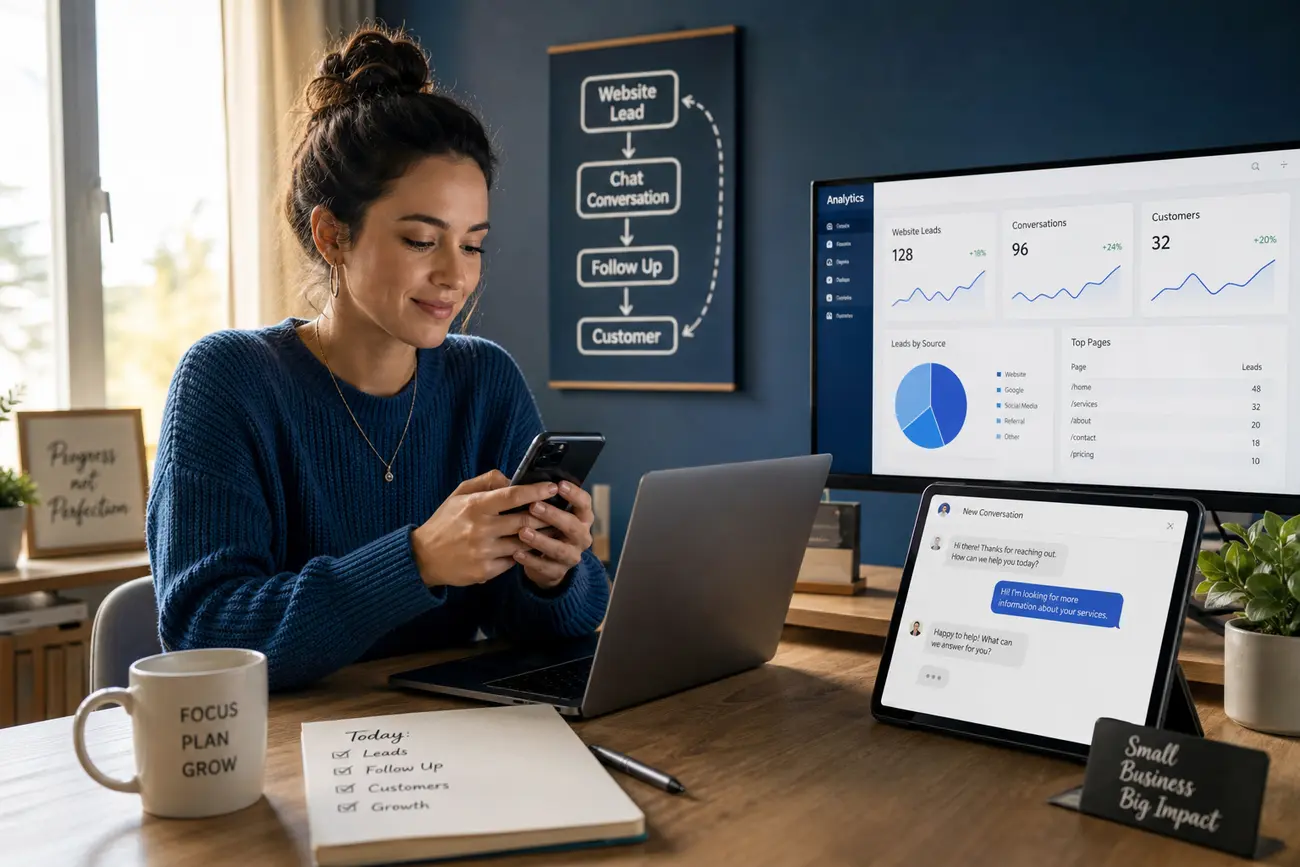
Good whatsapp marketing lead generation does not end with the first message. A CRM helps prevent warm leads from being forgotten, especially when multiple staff members answer chats. Tag leads by campaign, source, service interest, location, and follow-up stage.
ActiveCampaign and WhatsApp can be connected through native tools, automation platforms, middleware, or API-based workflows depending on your WhatsApp setup. Teams often search for activecampaign and whatsapp integrations to trigger reminders, lead scoring, pipeline updates, and email or SMS sequences. Automation should support human follow-up, not replace it.
Measure attribution, response speed, and lead quality
Track more than clicks. Measure WhatsApp starts, qualified conversations, quotes sent, bookings, closed sales, and cost per qualified WhatsApp conversation. This gives a truer picture than cost per click alone.
Review first response time every week because delayed replies often waste high-intent demand. Keep naming conventions consistent for campaigns, UTMs, tags, and CRM fields. A simple weekly routine works: pause weak campaigns, improve landing pages, refine pre-filled messages, and follow up with stalled leads.
Avoid common mistakes that make WhatsApp leads harder to convert
Do not send every campaign to the same generic homepage or untracked WhatsApp number. Avoid vague pre-filled messages such as “I want more information,” because they give the sales team no context. Do not over-automate the chat before understanding the customer’s need, and make consent, privacy, and opt-out expectations clear when using WhatsApp for marketing follow-up.
Train staff to spot suspicious behavior before sharing payment links, account access, or codes. If customers ask about Link.com, explain that Link is Stripe’s saved-checkout product and is legitimate on trusted merchant checkouts, but phishing pages can imitate it. A link account may exist because someone saved details during checkout with an email or phone number. If you also use Telegram, admins usually find an invite link in the group or channel settings, but links from unknown senders should be verified before clicking.
FAQ
What is a whatsapp lead generation campaign?
It is an ad or website funnel designed to start qualified WhatsApp conversations and track them through follow-up. The campaign connects source, offer, landing page, chat message, CRM status, and sales outcome.
How do I connect my website to WhatsApp for lead generation?
Add click-to-WhatsApp buttons, use pre-filled messages, track button clicks, and apply UTMs to campaign URLs. Then record each lead in your CRM with source, interest, and follow-up stage.
What is an e-link?
An e-link means an electronic link. In marketing, it can be a tracked link used in ads, landing pages, buttons, emails, or messages. In payments, an elink payment usually means an electronic payment link.
How do you use an e-link in a campaign?
Place the tracked link in your ad, landing page CTA, WhatsApp button, or follow-up message. Use clear naming and UTM parameters so each click can be tied back to a campaign source.
Can I connect activecampaign and whatsapp?
Yes, depending on your WhatsApp setup. You may use a native integration, an automation platform, middleware, or an API workflow to create contacts, add tags, trigger reminders, and update pipelines.
Is WhatsApp better than a contact form for small business leads?
Often, yes, when the inquiry is urgent or conversational. Forms are still useful when you need structured data, files, or detailed qualification before a salesperson responds.
How do I know if a WhatsApp or Telegram lead is a scammer?
Watch for suspicious links, fake payment proof, requests for verification codes, pressure tactics, refusal to verify identity, or offers that do not match the conversation. When unsure, move slowly and verify through official channels.
Share Article
Your Digital Edge, Fully Automated
Spin up a cutting-edge website in minutes and preview it free - no signup, no credit card. Then keep growing it with MR.ROBOT's AI pipeline that writes, optimizes, and publishes SEO articles straight from your phone.
No signup. No credit card. You only pay when you love the result.