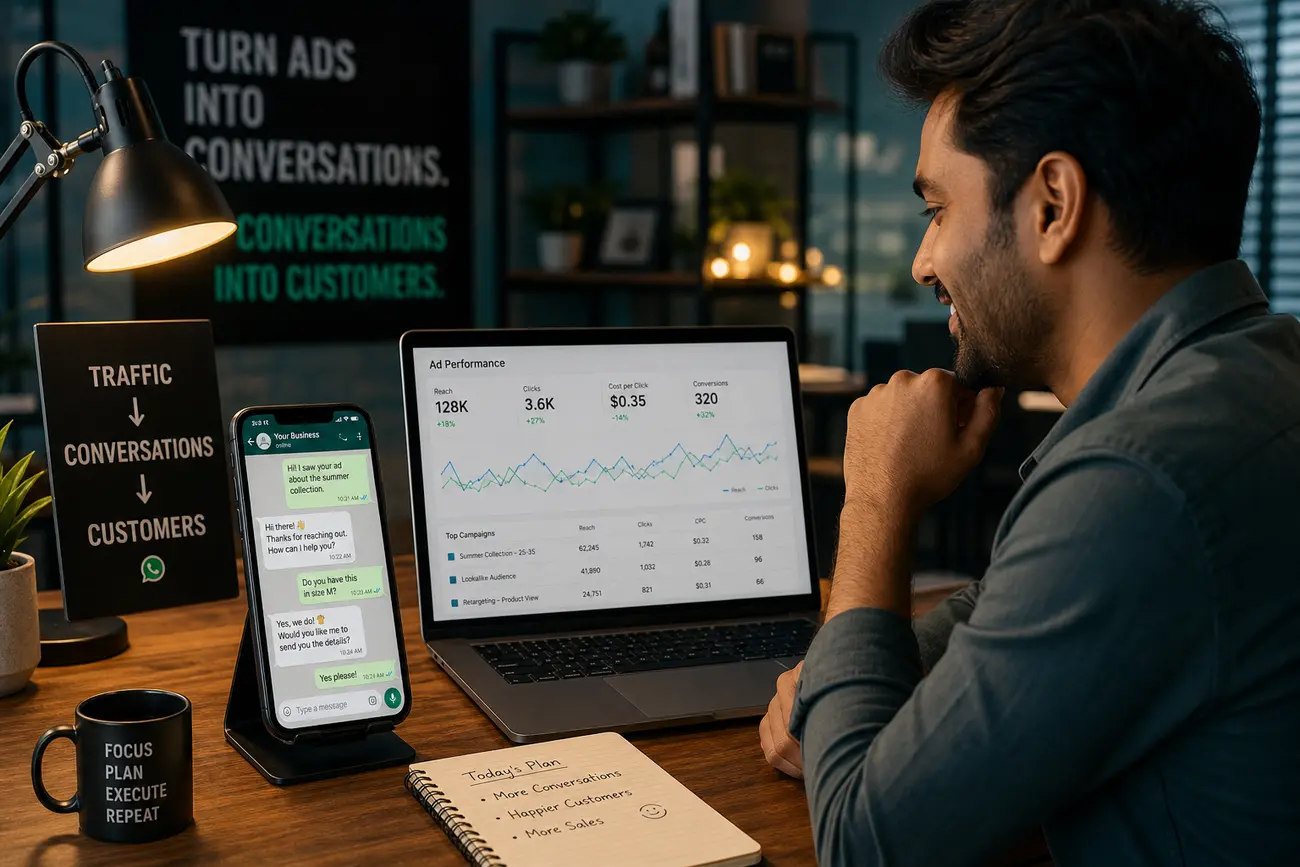
WhatsApp marketing lead generation helps SMBs close the gap between paid clicks and real sales conversations. Instead of paying for Google or Meta traffic that disappears into slow forms, untracked inboxes, and manual follow-up, you can connect your website, ad campaigns, CRM, and WhatsApp so high-intent leads get a fast response while your team still tracks what worked.
Why WhatsApp Marketing Lead Generation Converts Faster Than Traditional Forms
Many visitors do not want to complete a long form, wait for a callback, or wonder whether anyone received their request. When they are already on mobile, tapping a WhatsApp button feels faster and more natural. That is why WhatsApp marketing lead generation can be especially effective for local services, clinics, real estate, education, B2B consultations, and any business where a quick conversation moves the buyer forward.
The advantage is not just convenience. A disconnected form submission often reaches sales with limited context: name, phone, maybe a short message. A tracked WhatsApp conversation can preserve the source, campaign, landing page, offer, location, and service interest that triggered the lead. The goal is not “more messages” alone; it is measurable leads from Google Ads, Meta Ads, landing pages, service pages, and organic traffic.
Build the Conversion Path: From Ad Click to Website to WhatsApp Chat
The ideal path is simple: a user clicks an ad, lands on a relevant page, understands the offer, taps a clear WhatsApp call-to-action, receives an instant reply, and is routed to the right salesperson. For most campaigns, send traffic to a dedicated landing page instead of the homepage. A focused page can match the ad promise, answer objections, show proof, and push one primary action.
Place WhatsApp CTAs where intent is highest: the hero section, sticky mobile footer, pricing section, service pages, comparison tables, and exit-intent prompts. Use pre-filled messages such as “Hi, I’m interested in the dental implant consultation from your Google ad” or “I’d like pricing for commercial cleaning in Austin.” This helps the lead identify the product, location, or campaign immediately.
To optimize a website for conversions, reduce steps and increase relevance. Use one clear headline, one strong offer, visible trust signals, fast loading, short forms when needed, and a single primary action. If the user has to think too much, search for contact details, or repeat information, conversion rates usually fall.
How to Track a WhatsApp Lead Generation Campaign From Google and Meta Ads
A WhatsApp lead generation campaign should be tracked from the first click. Add UTM parameters to every Google Ads and Meta Ads URL so you can identify the campaign, ad set, keyword, creative, and landing page that produced the conversation. For example, use UTM values for source, medium, campaign, content, and term where relevant.
Use Google Tag Manager to fire events when someone clicks a WhatsApp button. Send those events to Google Analytics 4, Meta Pixel, and Google Ads conversion tracking where appropriate. This tells you which traffic sources are generating WhatsApp starts, but remember: a click is not the same as a qualified conversation or closed sale.
The strongest setup stores campaign source data inside your CRM. Sales teams can prioritize high-intent leads, and managers can measure landing page conversion rate, WhatsApp click-through rate, response time, lead quality, cost per qualified conversation, and cost per sale. If you are improving paid traffic, this guide on how to improve Google Ads campaigns with an AI agent can help you think beyond clicks and focus on performance signals.
Connect ActiveCampaign and WhatsApp for Automated Follow-Up
Connecting ActiveCampaign and WhatsApp helps turn a new conversation into a managed sales process. Depending on your stack, a lead can start a chat, submit supporting details, or click a tracked CTA, then trigger an automation that captures source data, sends an instant WhatsApp reply, creates or updates a contact, assigns a salesperson, opens a CRM deal, and notifies the team.
A simple workflow looks like this: capture UTM and page data, tag the lead by campaign, send a short welcome message, ask one qualification question, notify the right salesperson, and create follow-up reminders if there is no reply. Segment leads by service interest, location, budget, urgency, and campaign source so sales can prioritize correctly.
Use email, SMS, and WhatsApp together carefully. WhatsApp is best for immediate, conversational follow-up; email is better for detailed proposals; SMS can support reminders. Always get consent, avoid spam, respect opt-outs, and follow approved WhatsApp Business messaging practices, especially if you use templates or the WhatsApp Business Platform.
Optimize Your Website for More WhatsApp Conversations
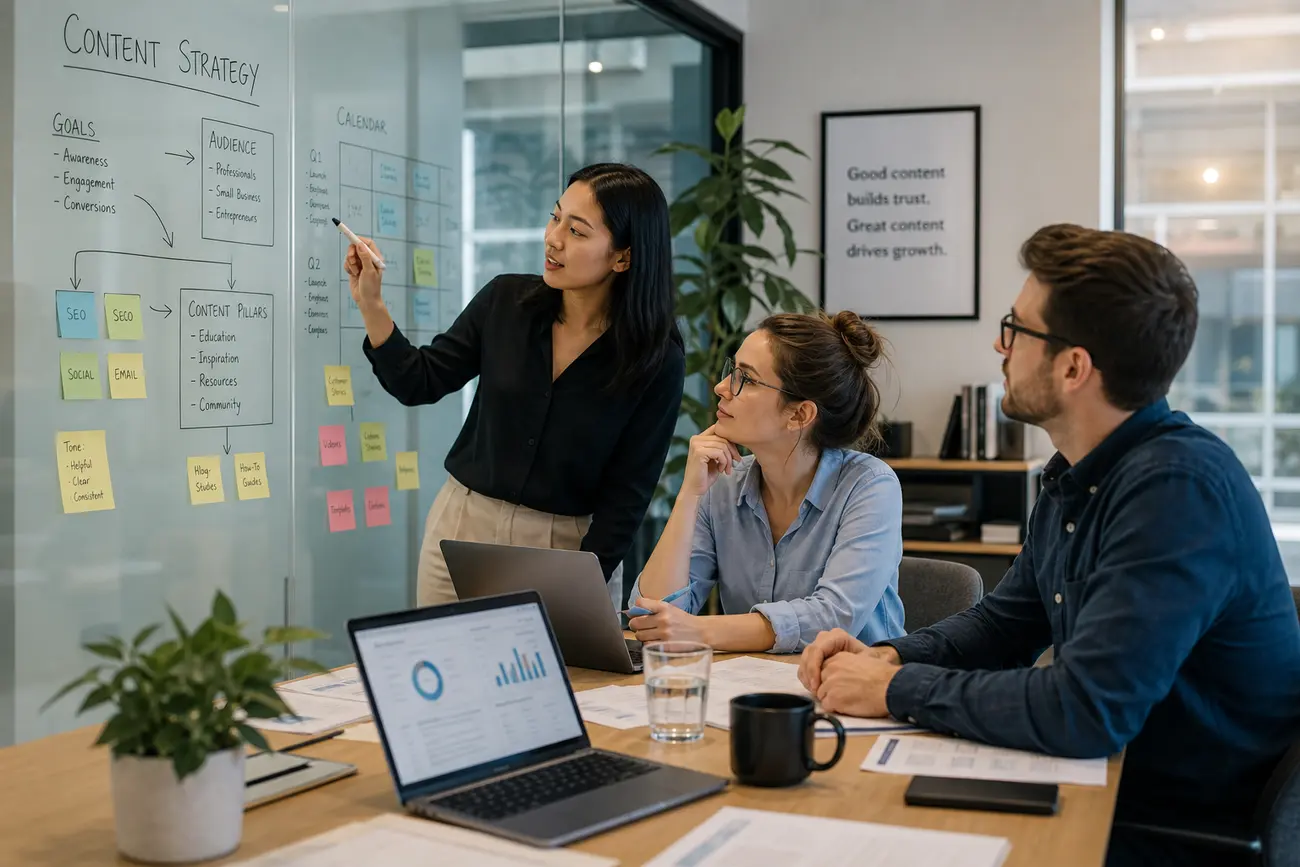
Website conversion optimization starts with clarity. Your page should answer: what is being offered, who it is for, why the visitor should trust you, what happens after they click, and how fast they can get help. Add reviews, case examples, credentials, guarantees, delivery areas, pricing guidance, FAQs, and appointment booking options where relevant.
Is a 12% conversion rate on a website good? For many lead generation pages, yes, 12% can be strong. But the benchmark depends on industry, traffic quality, offer strength, device mix, and how you define conversion. A 12% WhatsApp click rate from low-quality traffic may be less valuable than a 5% rate that produces qualified sales calls.
Test one variable at a time: CTA copy, button placement, offer, landing page length, social proof, lead magnet, and pre-filled WhatsApp message. Because many WhatsApp conversions happen after mobile ad clicks, prioritize mobile UX: fast load speed, thumb-friendly buttons, readable sections, and no intrusive popups blocking the chat action.
Tools SMBs Can Use to Improve Tracking, CRO, and Automation
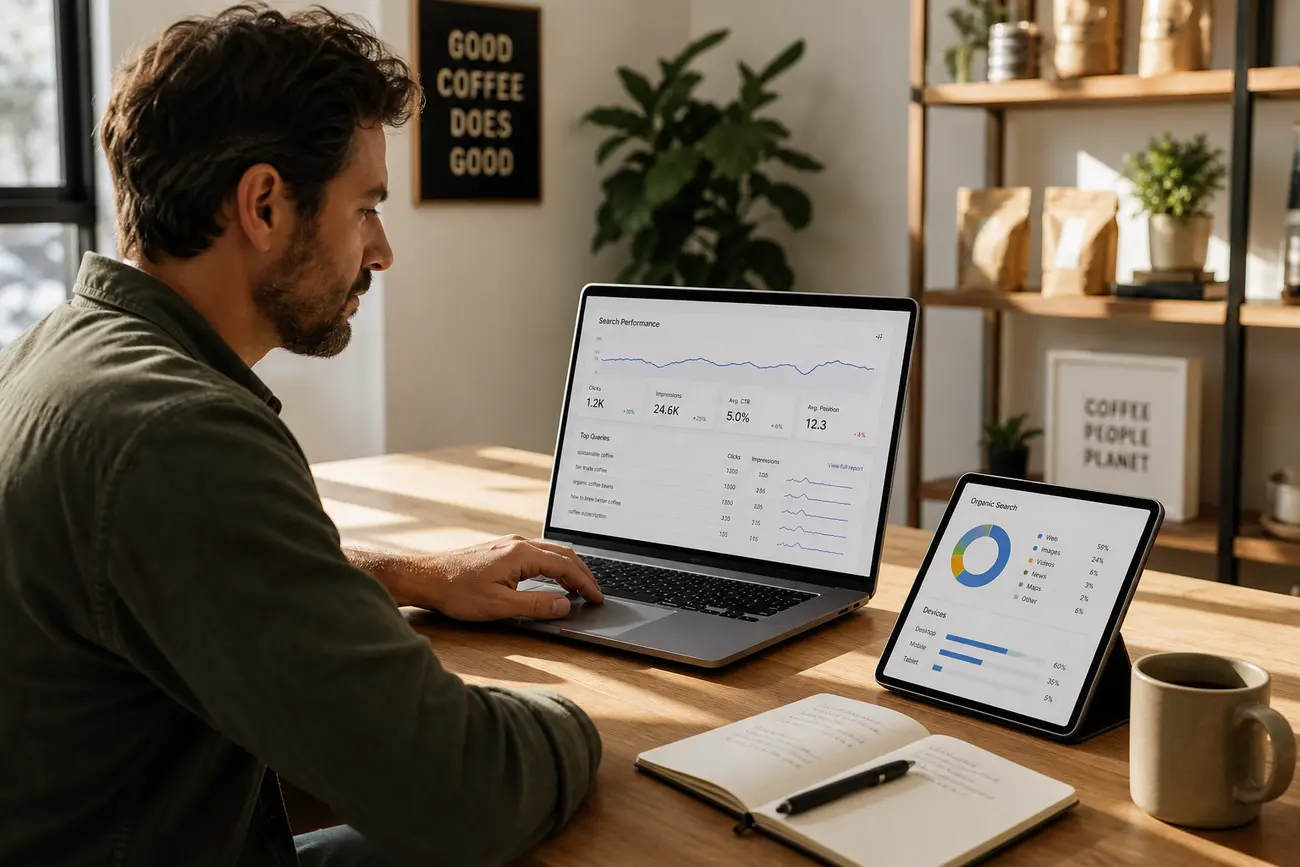
Start with the essentials: Google Analytics 4, Google Tag Manager, Google Ads conversion tracking, Meta Pixel, Search Console, PageSpeed Insights, Microsoft Clarity, Hotjar, and CRM dashboards. Free CRO tools and free plans can take you far: GA4 for events, Clarity for heatmaps and recordings, Search Console for organic queries, and PageSpeed Insights for technical performance issues.
More advanced CRO tools include VWO, Optimizely, Unbounce, Crazy Egg, and landing page builders with A/B testing features. AI CRO tools and ChatGPT can help analyze landing page copy, generate CTA variations, summarize customer objections, create test ideas, and draft creative briefs. If you manage PPC internally, you may also find this useful: DIY paid advertising with AI.
For ad banners, Canva is often the fastest website for banner design, while Figma, Adobe Express, and Photoshop offer more control. ChatGPT can help create banner concepts, headlines, prompts, and layout ideas; image tools can create draft visuals, but final designs should be checked against brand guidelines and ad platform rules. Banner design pricing varies widely by scope, but SMB freelancers often charge per banner, per set, or per campaign package depending on sizes, revisions, and strategy.
A 7-Day Implementation Plan for SMBs
- Day 1: Choose one offer, one landing page, and one primary WhatsApp CTA to optimize.
- Day 2: Add UTM parameters to Google and Meta campaigns. Create separate landing page URLs when campaigns target different services, locations, or audiences.
- Day 3: Install or verify GA4, Google Tag Manager, Meta Pixel, Google Ads tracking, and WhatsApp click events.
- Day 4: Create pre-filled WhatsApp messages and test mobile CTA placement across hero, sticky button, pricing, and service sections.
- Day 5: Connect WhatsApp leads to ActiveCampaign or your CRM with lead source fields, campaign tags, and salesperson notifications.
- Day 6: Add automated replies, follow-up reminders, and simple qualification questions.
- Day 7: Review early data, identify drop-offs, and launch one CRO test.
FAQ
How do you optimize a website for conversions?
Focus on a clear offer, fast mobile experience, trust signals, fewer steps, visible WhatsApp CTAs, and continuous testing. The best pages make the next action obvious and reduce the time between interest and response.
What tools help with website optimization?
Useful tools include GA4, Google Tag Manager, Search Console, PageSpeed Insights, Hotjar, Microsoft Clarity, CRM analytics, Meta Pixel, Google Ads conversion tracking, and A/B testing platforms.
What are some CRO tools?
Common CRO tools include Hotjar, Microsoft Clarity, VWO, Optimizely, Unbounce, Crazy Egg, GA4, and landing page builders with testing features. Choose based on your traffic volume, budget, and testing maturity.
Is a 12% conversion rate on a website good?
It can be very good for lead generation, especially if the leads are qualified. However, it depends on your industry, traffic source, offer, landing page intent, and whether you are measuring clicks, conversations, booked calls, or sales.
Can ChatGPT help improve ad banners and landing pages?
Yes. ChatGPT can generate messaging angles, CTA variations, headlines, customer objection lists, creative briefs, and test ideas. Performance should still be validated with real campaign data, not assumptions.
What is the best program to design a banner for ad campaigns?
Canva is often best for speed and ease of use. Figma, Adobe Express, and Photoshop are better when you need more design control, brand consistency, reusable components, or collaboration with a design team.
Share Article
Your Digital Edge, Fully Automated
Spin up a cutting-edge website in minutes and preview it free - no signup, no credit card. Then keep growing it with MR.ROBOT's AI pipeline that writes, optimizes, and publishes SEO articles straight from your phone.
No signup. No credit card. You only pay when you love the result.