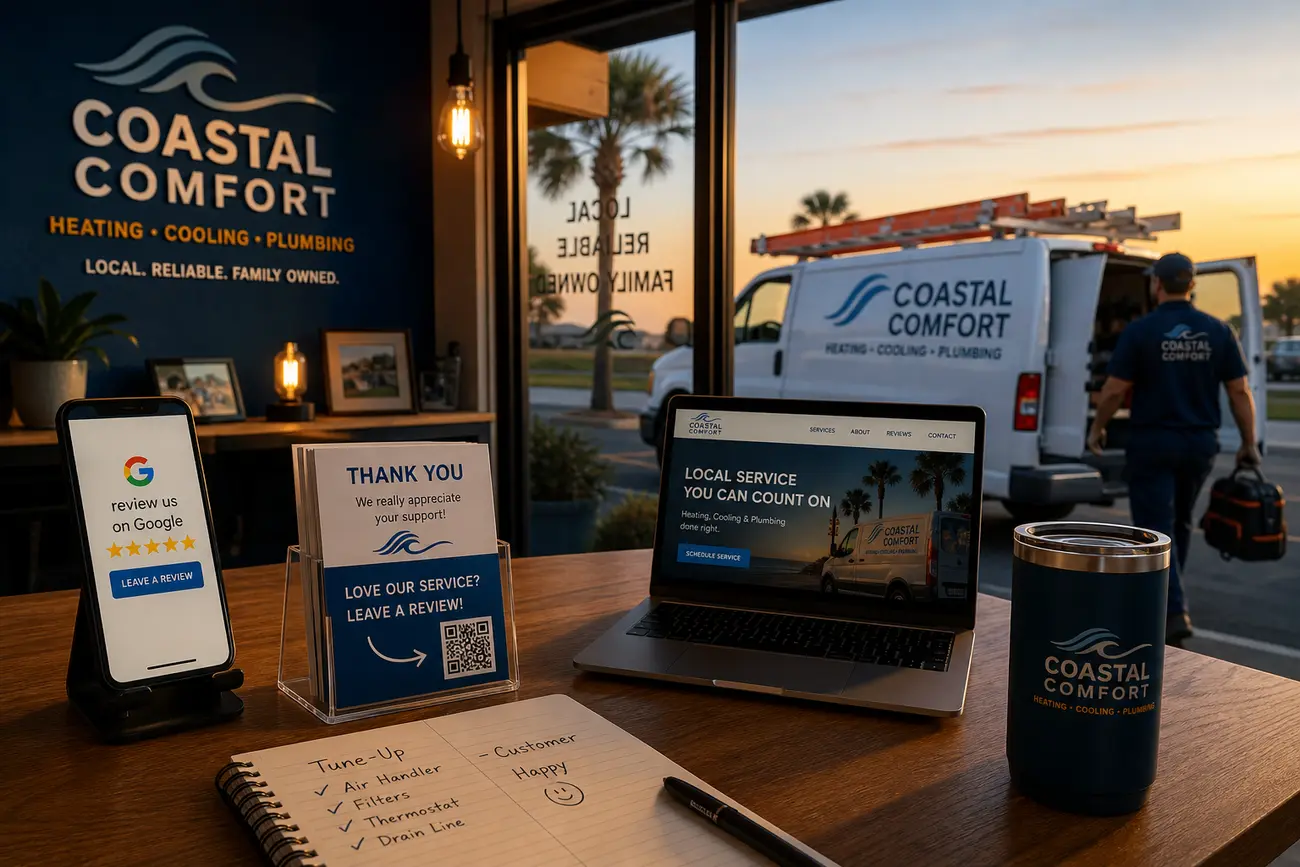
To optimize google business profile performance, treat your profile less like a static directory listing and more like a local lead conversion system. When it is accurate, persuasive, measurable, and followed up properly, your Google Business Profile can turn nearby searchers into calls, bookings, quote requests, visits, and revenue.
Why your Google Business Profile is a lead source, not just a listing
People who find you through local search often have high intent. They are not casually browsing a broad topic; they are searching for a nearby plumber, dentist, accountant, restaurant, installer, or repair company they can contact now. That makes your profile one of the most commercially important assets in local SEO.
The main lead actions on a profile include phone calls, website clicks, direction requests, messages, bookings, quote requests, and clicks on products or services. Visibility is useful, but it is not the final goal. The real benchmark is whether your profile creates qualified enquiries that your team can convert into paying customers.
A Google Business Profile can appear in unpaid local results, while Google Ads is paid advertising. Both can work together, but the profile itself is not an ad campaign. Your first job is to make the free local presence strong enough to convert before paying to scale traffic.
Optimize Google Business Profile basics before chasing more traffic
Before you try to generate more views, optimize google business profile fundamentals. Your business name, address, phone number, website, hours, and service area must be accurate and consistent across your website, directories, social profiles, and citations. Inconsistency creates friction for customers and can weaken local trust signals.
Choose the most specific primary category that describes your core business, then add relevant secondary categories without overreaching. A roofing contractor should not add every construction-related category just to appear in more searches. Relevance matters more than breadth.
Your business description should clearly explain who you help, where you operate, and why customers choose you. Add services, products, attributes, appointment links, opening hours, holiday hours, and real photos of your team, premises, vehicles, finished work, and before-and-after examples. Authentic images usually build more trust than generic stock graphics.
Turn profile actions into enquiries with clear conversion paths
To optimize google business profile for leads, prioritize the actions that match your business model. Urgent services need tap-to-call visibility. Appointment businesses need easy booking. Quote-led companies need short forms. Walk-in locations need accurate directions and hours.
Do not automatically send every profile click to your homepage. For high-value services, use a focused landing page with the relevant service, location, proof, FAQs, and a clear call to action. Add UTM tracking to website, appointment, product, and post URLs so you can see which profile actions create enquiries in analytics and CRM reports.
Mobile experience is critical. A visitor should be able to call, book, or request a quote within one or two taps. Then make sure the lead is not wasted: missed calls, messages, forms, and quote requests need a clear follow-up process. If enquiries go to different teams, lead routing rules can help send each request to the right person quickly.
Use Google Business Profile posts to create timely reasons to contact you
Google business profile posts help you turn a profile visit into an action by giving searchers a current reason to contact you. Use them for offers, announcements, seasonal services, events, recent projects, emergency availability, new services, and trust-building updates.
Each post should be specific and action-oriented. For example, an HVAC company might post about pre-season maintenance, a dentist might promote limited appointment availability, and a landscaper might show a recent garden transformation. Use real photos, concise copy, and one clear call to action such as call now, book online, request a quote, or learn more.
Track links in google business profile posts with UTM parameters. Over time, you will see whether seasonal topics, offers, emergency messaging, or project examples produce the best enquiries.
Manage Google reviews to improve trust, ranking signals, and conversion rate
To manage google reviews well, think beyond star ratings. Reviews influence local visibility, but they also influence whether a searcher feels confident enough to call you instead of a competitor. Strong review content can answer objections before a sales conversation begins.
Create a compliant review request process after successful jobs, appointments, deliveries, or support interactions. Ask customers to share honest feedback and, if they are comfortable, mention the service, location, problem solved, or result. Do not script reviews, offer incentives, or pressure customers.
Respond to positive reviews with personal details that show appreciation. Respond to negative reviews calmly, factually, and with a path to resolution. Review themes can also improve your service pages, profile content, FAQs, staff training, and follow-up messaging. In other words, when you manage google reviews consistently, you improve both marketing and operations.
Measure what your profile is really producing
To optimize google business profile decisions, review performance data for calls, website clicks, direction requests, bookings, messages, search terms, and photo views. These numbers help you understand how people find and use your profile, but not all metrics are equally valuable.
Impressions and views are useful diagnostic signals. Business metrics matter more: qualified calls, booked appointments, form submissions, quote requests, visits, and revenue. Connect UTM-tagged profile traffic to Google Analytics, your CRM, booking tools, and forms so you can attribute enquiries properly.
Call tracking can be useful, but handle it carefully so you do not damage phone number consistency across local citations. Keep your primary number stable and use tracking in ways that preserve local SEO signals. For a deeper approach, see this guide on tracking phone call leads from ads, SEO, and your website.
Support your profile with local SEO, Google Ads, and social proof
Organic profile optimization may be enough in smaller or less competitive markets. In competitive or urgent-service categories, Google Ads can help you capture more demand while your local SEO matures. For beginners, Google Ads means paid campaigns where you set a budget, choose targeting, write ads, and pay when users interact with them.
Google does not give free ads through a Google Business Profile. Your profile can appear in free local results, but paid placements require Google Ads. To create a Google Ads manager account, also called an MCC, you sign in through Google Ads Manager Accounts, choose to create a manager account, enter account details such as name, country, time zone, and currency, then submit. To view account overview in Ads Manager, select the account you want and click Overview.
Social media marketing is the use of social platforms to build awareness, trust, engagement, and customer relationships. Its benefits include proof of real work, community visibility, reusable photos, customer stories, and faster feedback. To build a strong social presence, post consistently, show real projects, answer common questions, highlight staff expertise, and repurpose the best content into google business profile posts.
Social media can also support decision-making inside a business. For example, if a home services company sees repeated comments about energy-saving upgrades, it may create a new service page, publish a profile post, train staff on that objection, and run a targeted offer. Social media network marketing uses social networks to build relationships and distribute offers through people and communities. Affiliate marketing, including Amazon affiliate marketing through programs such as Amazon Associates, is different: beginners earn commissions by promoting other companies’ products. It is not usually the core strategy for a local service business trying to generate direct leads.
A simple weekly workflow to keep leads coming in
The best way to optimize google business profile performance is to maintain it weekly, not once a year. Small, consistent actions compound into better visibility, stronger trust, and fewer lost opportunities.
- Monday: Check profile performance, missed calls, messages, website clicks, and new enquiries.
- Tuesday: Request reviews from recent satisfied customers and respond to existing reviews.
- Wednesday: Publish or refresh a post tied to a current service, offer, seasonal need, or recent project.
- Thursday: Upload new real photos and check services, products, hours, and appointment links for accuracy.
- Friday: Review tracked enquiries, follow-up outcomes, conversion quality, and next week’s priorities.
This workflow keeps your profile active, measurable, and aligned with the services customers are searching for right now.
FAQ
Is Google Business Profile the same as Google Ads?
No. Google Business Profile is a free local business profile that can appear in Google Search and Maps. Google Ads is paid advertising. You can use both together, but they are separate tools with different costs, controls, and reporting.
Does Google give free ads through a Google Business Profile?
No. A profile can earn unpaid visibility in local results, but that is not the same as free ads. Paid ad placements require a Google Ads account, campaign setup, targeting, budget, and billing.
Should a beginner use Google Ads or optimize Google Business Profile first?
Most beginners should fix the profile first: accurate information, strong categories, services, photos, reviews, tracking, and follow-up. Once the profile converts, Google Ads can help scale demand more efficiently.
How do Google Business Profile posts help generate leads?
Posts create timely calls to action. They can promote seasonal services, recent work, events, announcements, offers, and availability. When paired with real photos, concise copy, and tracked links, they help turn profile visitors into enquiries.
How should a service business manage Google reviews?
Use a repeatable process: request reviews after successful work, monitor new feedback, respond personally, handle negative reviews calmly, and use review themes to improve services, website content, profile messaging, and staff training.
How can social media support a Google Business Profile strategy?
Social media supplies trust signals and reusable content. Project photos, customer stories, team expertise, community involvement, and frequently asked questions can all become profile photos, posts, service updates, and stronger local proof.
Share Article
Your Digital Edge, Fully Automated
Spin up a cutting-edge website in minutes and preview it free - no signup, no credit card. Then keep growing it with MR.ROBOT's AI pipeline that writes, optimizes, and publishes SEO articles straight from your phone.
No signup. No credit card. You only pay when you love the result.