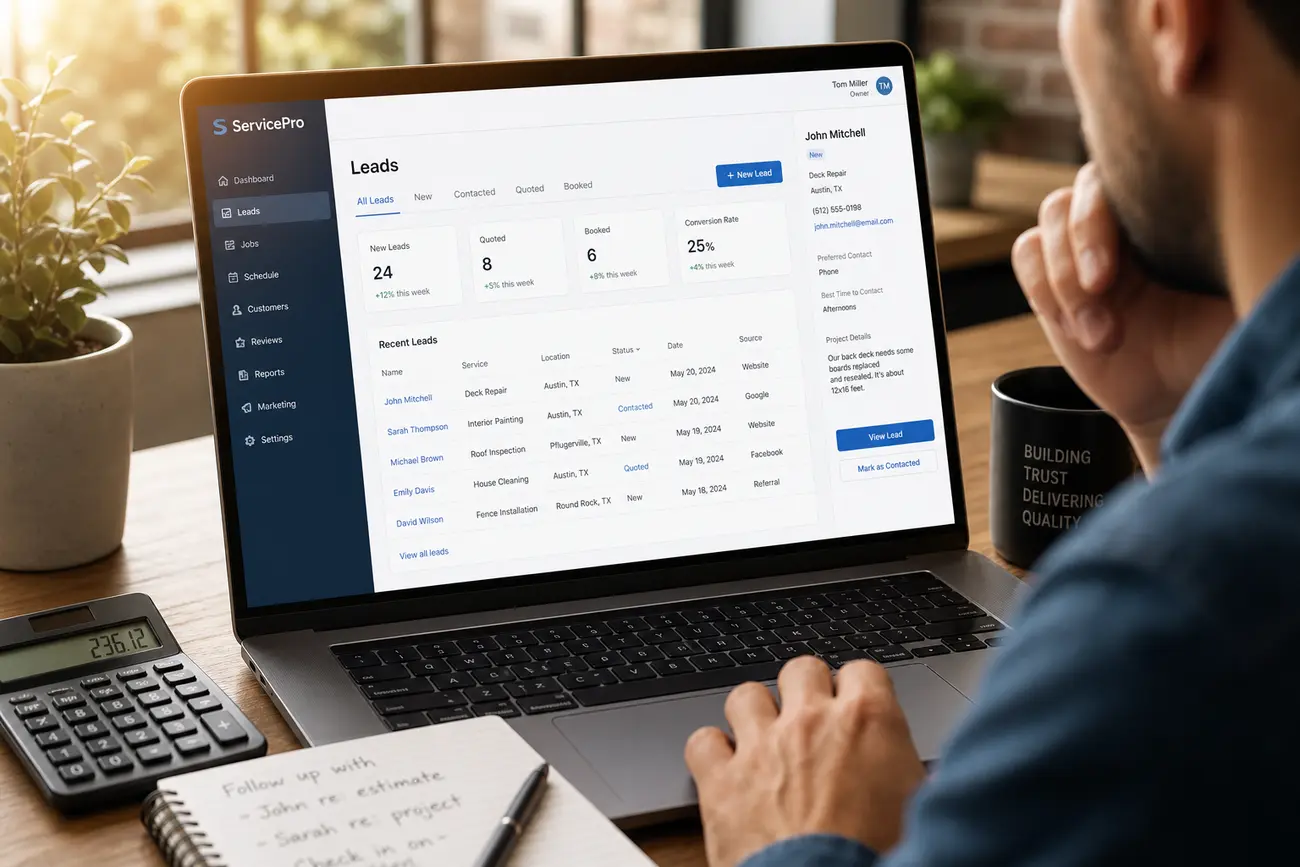
The lead magnet versus lead generation problem on most service websites is simple: businesses ask for contact details before giving visitors a strong reason to trust them. Interactive website calculators reverse that exchange by offering instant, personalised value first, then using that engagement to capture better data, qualify interest, and start more relevant sales conversations.
Lead magnet versus lead generation: why interactive calculators bridge the gap
A lead magnet is the useful value you offer in exchange for attention, trust, or contact information. Lead generation is the system that turns that interest into enquiries, booked calls, quotes, and sales opportunities. The best results come when the lead magnet versus lead generation gap is closed: the value offered also helps your team understand buying intent.
Static PDFs can still work, but they often attract low-intent downloads. A calculator reveals more: budget, urgency, service fit, buying stage, project scope, and pain points. ROI calculators, quote estimators, savings calculators, and assessment scorecards act as high-value lead magnets while also qualifying prospects.
For service businesses, the goal is not just more form fills. It is moving from anonymous traffic to better conversations. If you are building a full commercial system around this, connect your calculator strategy to a wider pipeline model such as revenue architecture.
Why calculators attract more qualified enquiries than generic contact forms
Generic contact forms ask visitors to make the first move with little immediate reward. A calculator gives them an estimate, benchmark, score, or recommendation before they speak to sales. That makes the interaction feel useful rather than transactional.
The business also receives context a normal form cannot capture: project size, goals, constraints, current provider, timeline, and expected outcomes. This is why the lead magnet versus lead generation distinction matters. The tool is not only collecting names; it is creating a reason for the visitor to share meaningful lead generation contact details.
The value exchange is clear: the visitor gets instant insight, and the business gets information that helps route, prioritise, and personalise follow-up.
Choose the right calculator for your service business model
The right calculator should match the question your prospects already ask before enquiring. Do not build an interactive tool because it feels innovative; build one because it helps a buyer make progress.
- ROI calculator: best when buyers need to justify spend, compare payback, or persuade internal stakeholders.
- Quote estimator: useful when pricing depends on scope, location, volume, service level, or complexity.
- Savings calculator: effective when your service reduces cost, waste, risk, admin time, or operational inefficiency.
- Assessment or scorecard: ideal when buyers need to diagnose readiness, compliance, performance, or maturity.
When the format reflects the buyer’s real decision process, the calculator becomes both a persuasive lead magnet and a practical lead generation asset.
Design the visit connect lead capture journey around instant value
A strong visit connect lead capture journey starts with a clear landing page promise, then moves the visitor through inputs, a result preview, contact capture, and follow-up. Each step should feel like progress toward an answer, not like a disguised sales form.
Ask only for the inputs needed to produce a credible result before requesting contact details. You can show a summary immediately, gate the full report, or email a detailed recommendation. The safest approach is to give enough value upfront, then ask for details to unlock deeper insight or the next step.
Use microcopy to explain why each field is needed. Add trust signals near the capture step: client logos, testimonials, privacy reassurance, and clear expectations such as “we will send your tailored estimate within one business day.”
What data to collect so sales can qualify leads faster
Capture core contact fields only after the visitor has invested in the calculator experience. Name, email, company, and phone can be useful, but phone should be requested only when it improves follow-up or the visitor is asking for a call.
Add a few qualifying questions that help sales prioritise: budget range, team size, location, current provider, biggest challenge, desired timeline, and decision role. Use progressive profiling so the experience does not feel like a long survey.
Score leads based on fit, urgency, value potential, and readiness to talk. Send calculator answers into your CRM so sales can open with specifics instead of generic discovery questions. This also helps avoid the hidden costs described in poor prospect management.
How to build calculator results that feel credible and useful
Calculator results must feel transparent. Explain assumptions clearly, especially when the result involves cost, ROI, savings, or risk. If exact pricing would be misleading, use ranges and explain what could move the result higher or lower.
A useful result is more than a number. Pair the output with tailored recommendations, priority actions, and a clear next step. For example: “Based on your inputs, your likely monthly saving is in this range. Your highest-impact next step is to review supplier contracts and automate reporting.”
Offer a downloadable or emailed report that summarises the visitor’s inputs, the result, the assumptions, and the recommended action. Then use a clear call to action: book a consultation, request a detailed quote, or compare service options.
Measure performance and improve the calculator over time
Measure more than total submissions. Track completion rate, lead capture rate, sales-qualified lead rate, booked-call rate, and revenue influenced. This proves whether the calculator is improving lead quality, not simply increasing volume.
Compare calculator leads with standard form submissions. If calculator leads convert faster, have higher deal value, or need less discovery time, the tool is doing its job. If many visitors abandon the same question, simplify the wording or move that question later.
Use sales feedback to refine scoring rules, result ranges, and follow-up messaging. A/B test gate placement, result page layout, CTA wording, and email follow-up sequences. The lead magnet versus lead generation system should improve as real buyer behaviour becomes clearer.
FAQ
What is an example of a lead magnet for a service business?
An ROI calculator, quote estimator, savings calculator, or readiness assessment is a strong service-business lead magnet because it gives the visitor a personalised result instead of a generic download.
What is the difference between a lead magnet and lead generation?
The lead magnet is the value offered to earn attention or contact details. Lead generation is the wider process that captures, qualifies, nurtures, and converts that demand into sales opportunities.
Should calculator results be gated behind a form?
Usually, show enough value upfront to build trust, then ask for contact details to email the full report, detailed estimate, or next-step recommendation. Fully gating results too early can reduce completion.
What contact details should an interactive calculator collect?
Collect name, email, company, and phone only when needed. Add a few qualifying fields such as budget, timeline, location, team size, or biggest challenge so sales can prioritise follow-up.
What does “connect via web” mean for lead capture?
In marketing, “connect via web” means connecting a website visitor to the business through an online form, booking flow, chat, or CRM-integrated calculator that captures enquiry details.
What is a connection web?
A connection web is the network of touchpoints that links a visitor’s problem, your website content, the calculator result, and sales follow-up. The four useful connection types are content, tool, human, and system connections.
What is a connection activity?
A connection activity is any website action that moves a visitor closer to enquiry, such as completing a calculator, downloading a report, starting a chat, requesting a quote, or booking a call.
Is free association still used today?
Yes, free association is still used in some psychotherapy contexts, especially psychodynamic work. It is separate from calculator-based lead generation, though both involve eliciting useful information from a person’s responses.
How do you explain free association with an example?
Free association is a psychology technique where someone says whatever thoughts come to mind without filtering. A real-life example is hearing “deadline” and immediately saying “pressure, manager, late nights, mistakes.” Its purpose is to uncover patterns, feelings, or associations, and it is historically central to psychoanalysis.
Share Article
Your Digital Edge, Fully Automated
Spin up a cutting-edge website in minutes and preview it free - no signup, no credit card. Then keep growing it with MR.ROBOT's AI pipeline that writes, optimizes, and publishes SEO articles straight from your phone.
No signup. No credit card. You only pay when you love the result.