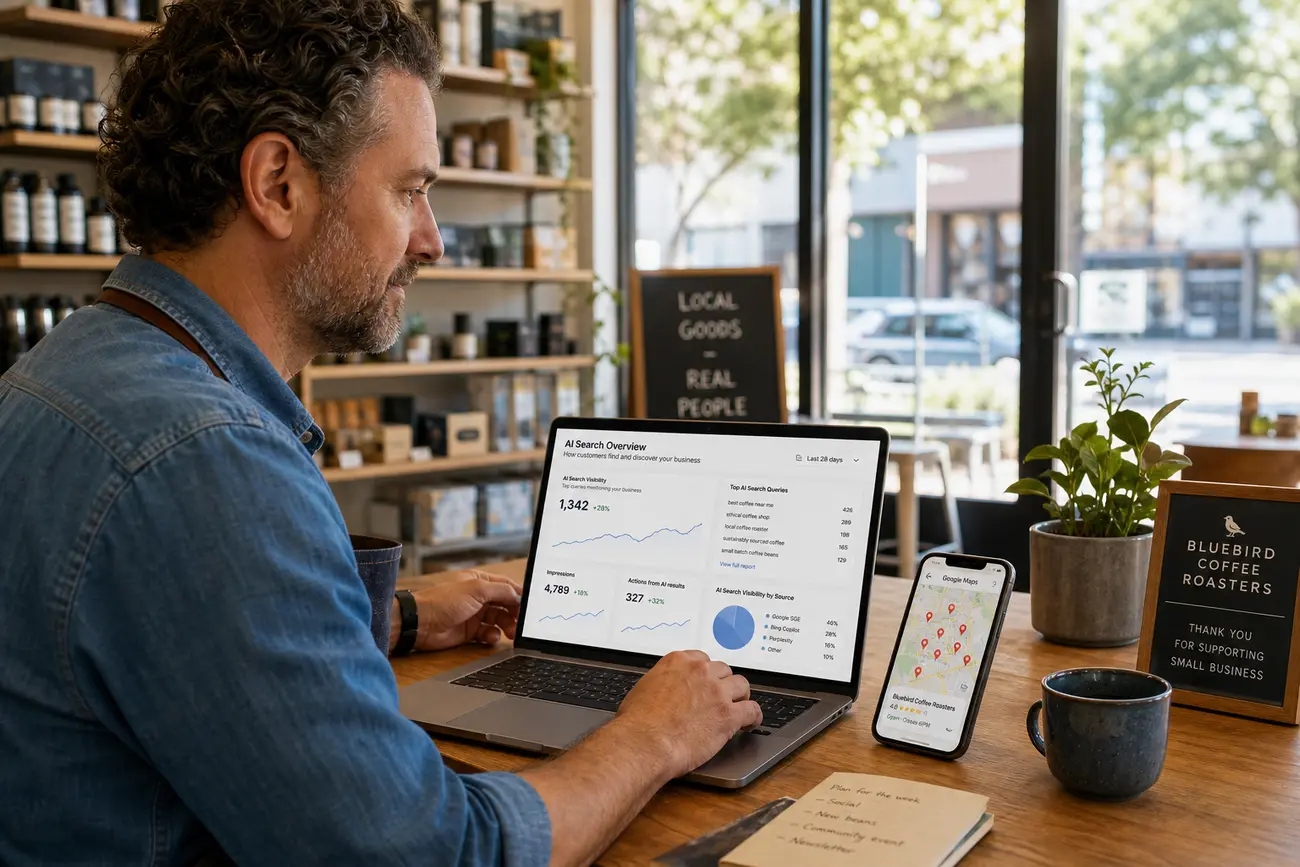
A smarter Google visibility plan starts with your google business profile login: access the profile, inspect what customers see in Search and Maps, then use AI to prioritize the improvements most likely to increase calls, visits, bookings, and website clicks. Instead of guessing, you will build a practical visibility workflow around your actual listing, customer questions, content gaps, reviews, and performance data.
Start with your google business profile login and visibility baseline
The first step is making sure you are signed into the correct Google account connected to the business. A failed or incorrect google business profile login often leads teams to edit the wrong profile, miss ownership requests, or create duplicate listings that later confuse customers and search engines.
Before changing anything, search your business name on Google and Google Maps. Review what appears publicly: business name, address, phone number, website, hours, categories, services, photos, reviews, questions, and recent updates. Check whether your listing appears for branded searches, nearby service searches, and map-based searches from your target area.
AI can speed up this audit. Copy your profile details, service list, review themes, and competitor observations into an AI tool and ask it to summarize weaknesses by priority. Useful outputs include missing services, vague descriptions, outdated photos, weak category choices, inconsistent contact details, or review issues that need a response.
Fix the foundations of your Google business listing
A complete google business listing helps customers trust that your company is real, nearby, and ready to help. It also gives Google clearer information about what you do, where you serve customers, and which searches are relevant to your business.
Start with the fields that affect both discovery and conversion: primary category, secondary categories, business description, service areas, appointment or booking links, products, services, accessibility attributes, payment options, and opening hours. Your primary category should describe the business as precisely as possible, while your description should explain who you help, what you offer, and what makes your service credible.
- Do: use consistent name, address, and phone details across your website, directories, and social profiles.
- Do: compare your categories and services with top local competitors to identify missing opportunities.
- Do not: keyword-stuff the business name, create fake locations, publish duplicate profiles, or list service areas you cannot actually serve.
How to google business profile create if you are not listed yet
If your business is not visible on Google, you may need to google business profile create using a Google account, your official business name, address or service area, phone number, website, category, and business hours. Google will guide you through the setup flow and ask for details that help customers understand how to contact or visit you.
First, search for your exact business name and address. If an existing profile appears, claim it instead of creating a duplicate. If no profile exists, create a new one and complete as many fields as possible before requesting verification.
Verification methods vary by business type, location, and account history. Google may offer phone, email, video verification, postcard, or Search Console-based verification when available. After approval, document ownership access, manager roles, recovery email details, and internal responsibilities so future team members can manage the profile securely.
Use AI to find the search terms your customers already use
Improving visibility is not about chasing random keywords. Use AI to organize the language customers already use: services, problems, locations, urgency, price questions, comparisons, and objections. This helps you separate high-intent searches from informational searches and decide what belongs on the profile, website, blog, FAQ, or video content.
Feed AI with real data from Google Search Console queries, Google Business Profile insights, website search logs, form submissions, sales calls, support chats, and customer emails. Ask it to cluster the terms by intent, such as “ready to book,” “researching options,” “comparing providers,” or “looking for instructions.” For a deeper workflow, see How to Find Business Keywords With AI Market Research.
Keep the focus on buyer behavior. Branded searches, Google account sign-in behavior, web queries, Maps searches, and video search touchpoints can all reveal demand, but not every term deserves a page. Prioritize keywords that connect directly to revenue, service relevance, and customer confidence.
Create content that supports Search, Maps, and organic discovery
Your profile is important, but Google visibility also depends on your website, reviews, citations, helpful content, and proof that your business is active. A strong Google business listing should connect to a website that explains services clearly, answers customer questions, and gives searchers a reason to choose you.
Build service pages for high-intent local searches, such as specific services in specific areas. Use blog tutorials for informational searches, comparison pages for decision-stage buyers, local guides for geographic relevance, and case studies to show real outcomes. Short videos, before-and-after examples, customer question articles, and Google Posts can all reinforce the same message across Search and Maps.
AI can draft outlines, FAQs, title options, meta descriptions, schema suggestions, and internal linking ideas. Humans should add what AI cannot know on its own: first-hand experience, pricing context, photos, guarantees, examples, project details, and expert judgment. For more on turning content into customer acquisition, read How to Create SEO Content That Wins Customers from Google.
Improve trust signals with reviews, photos, and business proof
Reviews influence how people choose a business and may support local prominence in Maps. A profile with recent, specific, and well-managed reviews usually feels more trustworthy than one with old reviews and no owner responses.
Use AI to summarize review themes, identify repeated praise, flag urgent complaints, and draft polite response templates. Keep every response human, specific, and professional. Thank customers for details, address concerns calmly, and avoid sharing private information.
Photos matter because they reduce uncertainty. Add real images of your location, team, products, vehicles, completed projects, menu items, equipment, or service process. Strengthen first-hand proof with licenses, warranties, testimonials, case studies, service steps, clear contact options, and honest expectations about timing, pricing, or availability.
Track results with Google tools and an AI visibility dashboard
A successful google business profile login should become part of a weekly operating rhythm, not a one-time task. Track profile views, calls, direction requests, website clicks, bookings, Search Console impressions, ranking movement, conversions, and review growth.
A simple Google Sheets dashboard is enough for many small businesses. Combine weekly numbers from Google Business Profile, Google Search Console, analytics, call tracking, booking tools, and your CRM. Then ask AI to summarize what changed, which pages gained visibility, where clicks dropped, and what actions deserve attention next.
Use a repeatable cycle: audit, publish, respond, update, measure, and repeat. This turns local SEO from a vague marketing task into a manageable business system.
FAQ
How do I access my Google Business Profile?
Use the Google account connected to the profile, then search for your business name on Google or open Google Business Profile Manager. If you are signed in with the right account, you should be able to edit your profile, respond to reviews, update hours, add photos, and view performance data. If the google business profile login does not show your business, check whether another owner account controls the listing.
What should I do if I cannot find my Google business listing?
Search for the exact business name, address, phone number, and old brand names if applicable. If a listing exists, request ownership or claim it. If no listing appears, create a new profile with accurate details and complete verification. Avoid creating a second profile for the same real-world business location.
How can AI help improve my business visibility on Google?
AI can audit profile gaps, cluster customer search intent, compare your listing with competitors, summarize reviews, generate content ideas, draft response templates, and explain performance changes. The best use of AI is prioritization: deciding which profile updates, pages, reviews, photos, and content tasks are most likely to improve visibility and conversions.
Is a Google Business Profile enough to rank on Google?
No. A Google Business Profile is essential for local visibility, but it works best when supported by a helpful website, consistent citations, strong reviews, relevant content, quality photos, and measurable SEO activity. Your profile helps you appear in Search and Maps, while your broader web presence helps prove relevance, trust, and authority.
How often should I update my Google business listing?
Update your Google business listing whenever business details change, including hours, phone numbers, services, locations, booking links, or holiday schedules. Review key fields, photos, posts, services, and reviews at least monthly. For active local businesses, a weekly check after your google business profile login is even better.
Share Article
Your Digital Edge, Fully Automated
Spin up a cutting-edge website in minutes and preview it free - no signup, no credit card. Then keep growing it with MR.ROBOT's AI pipeline that writes, optimizes, and publishes SEO articles straight from your phone.
No signup. No credit card. You only pay when you love the result.