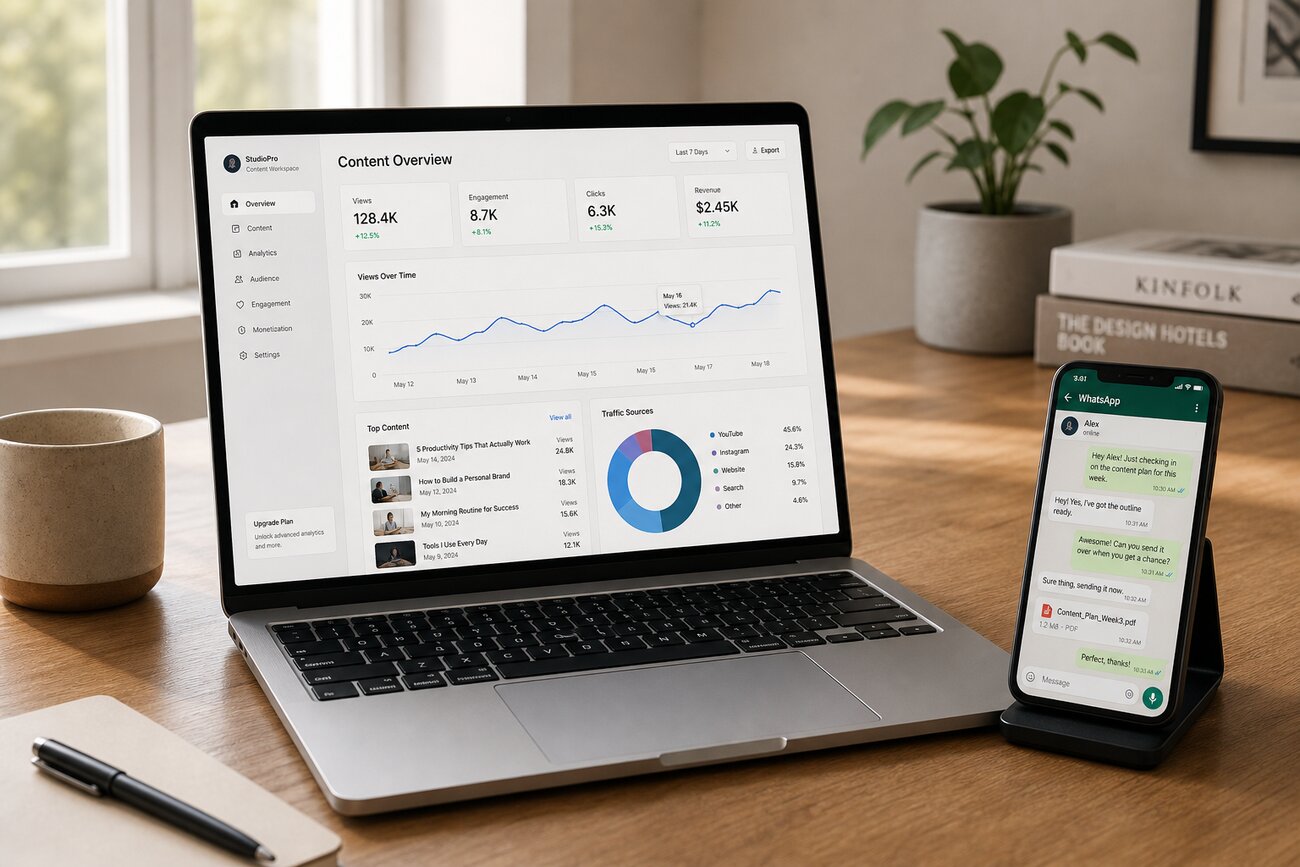
A high converting landing page does not need to be complex, expensive, or packed with every detail about your business. It needs one clear offer, persuasive structure, trustworthy proof, and a launch-ready build process that helps visitors take action. With Mr. Robot, you can move from idea to published landing page for leads faster while still controlling the message, design, and conversion goal.
What Makes a High Converting Landing Page Work?
A high converting landing page is a focused page built around one audience, one offer, and one primary action. Unlike a general website page, which may include navigation, company history, blog links, service menus, and multiple paths, a landing page for leads removes distractions and guides visitors toward a specific next step: requesting a quote, booking a call, downloading a guide, registering for a webinar, or starting a demo.
The core elements are simple but powerful: a compelling headline, a clear promise, relevant proof, an easy form, a strong call to action, mobile-friendly design, and fast load speed. Each section should answer one visitor question: “Is this for me?”, “What do I get?”, “Can I trust you?”, and “What happens next?”
Website conversion optimization is the process of improving page copy, design, speed, forms, and calls to action so more visitors complete valuable actions such as form submissions, calls, bookings, or downloads. In other words, you are not just building a page; you are improving the path between interest and action.
Start With the Offer Before You Build the Page
Before you open Mr. Robot, define the customer you want to attract. What problem are they trying to solve? What outcome do they want? What makes them hesitate? A high converting landing page begins with the visitor’s motivation, not with a template.
Choose a lead generation offer that matches the customer’s buying stage. A free consultation works well for a high-intent prospect. A checklist, buyer’s guide, webinar, discount, demo, or quote request may work better for someone still comparing options. The offer should feel useful, not pushy.
Write a simple value proposition before building: problem + promised result + reason to act now. For example: “Struggling to get qualified renovation quotes? Get a same-day estimate from a licensed local team before your project timeline fills up.” Then decide the single conversion goal. If the goal is quote requests, do not also push newsletter signups, social follows, and unrelated downloads.
How to Create a High-Converting Landing Page With Mr. Robot
To learn how to create a high-converting landing page with Mr. Robot, start by giving the tool the right inputs: your business type, target audience, offer, location or market, tone of voice, and conversion goal. The more specific your brief, the better the first draft will be. Instead of asking for “a page for my service,” ask for “a landing page for homeowners who need emergency roof repair and want a fast inspection request.”
Use Mr. Robot to generate a first draft structure with the sections that matter most: hero, benefits, social proof, process, lead form, FAQ, and final CTA. Then customize the AI-generated copy so it sounds like your business. Replace generic claims such as “best quality service” with concrete details: response time, service area, credentials, guarantee terms, or the exact type of customer you help.
Mr. Robot can also help create multiple headline and CTA variations for testing. Ask for options that emphasize speed, savings, trust, convenience, or risk reduction. Always review every AI suggestion for accuracy, brand voice, legal compliance, and customer fit. A high converting landing page should persuade, but it should never exaggerate, mislead, or promise outcomes you cannot deliver.
Build the Landing Page Sections That Turn Visitors Into Leads
Hero section
The hero section should make the offer obvious above the fold. Include a clear headline, one short supporting sentence, a trust cue, and a primary CTA. A strong headline says what the visitor gets and who it is for. For example: “Get a Free Solar Savings Estimate for Your Home in 24 Hours.” The CTA should be visible immediately and repeated naturally throughout the page.
Benefits, proof, and process
Translate features into outcomes. Instead of “advanced CRM integration,” say “get every new lead sent directly to your sales team without manual follow-up.” Add proof such as testimonials, review snippets, client logos, case results, certifications, or before-and-after examples. Then explain the process: “Submit the form, receive a call within one business day, and get a personalized recommendation.” This reduces uncertainty and makes the action feel safe.
Lead form and final CTA
The lead form should ask only for essential information: name, email, phone number, and perhaps one qualifying question. The final CTA should repeat the offer and make the next step unmistakable. If your landing page is part of a broader growth strategy, connect it with content and SEO efforts such as those described in How MrRobot Automates Organic Traffic Growth for Your Website.
Design the Form and CTA for More Lead Submissions
Your CTA copy should describe the action and the reward. “Get My Free Quote,” “Book My Consultation,” “Send Me the Checklist,” and “Reserve My Demo” are stronger than vague buttons like “Submit.” The button should feel like the natural next step after the promise, not a formality at the end of the page.
Keep the form visually close to the offer so visitors understand what they will receive. Reduce friction by limiting required fields, using dropdowns or checkboxes where possible, and avoiding questions that your team can ask later. Every extra field should earn its place.
Add microcopy near the form to answer small objections: “No spam,” “We respond within one business day,” “Your information is private,” or “Takes less than 60 seconds.” Use contrast, spacing, and mobile-friendly button sizing so the CTA is easy to find and tap. A high converting landing page often wins because it removes tiny points of hesitation.
Optimize Performance, Trust, and Mobile Experience Before Launch
Check the mobile version first. Many lead-generation clicks come from phones, especially from ads, local search, social campaigns, and email. Make sure the headline is readable, the form is easy to complete, the CTA is thumb-friendly, and the page does not require pinching or horizontal scrolling.
Speed matters. Compress images, avoid unnecessary scripts, keep tracking tags under control, and use a lightweight design. Useful website performance optimization tools include Google PageSpeed Insights, Lighthouse, GTmetrix, WebPageTest, image compressors, analytics platforms, and tag managers. These tools help you identify slow resources, layout shifts, oversized images, and script issues before they cost you leads.
Add trust signals before launch: business contact details, privacy policy links, security indicators, realistic claims, testimonials, and clear next steps. Preview the page on different devices and test every form, button, tracking tag, notification, CRM integration, and thank-you message. A page is not ready when it looks good; it is ready when the full lead path works.
Choosing Mr. Robot Instead of Generic Website Builders
A dedicated AI landing page workflow is often better than a general website builder when your immediate goal is a quick landing page for leads. Tools like Wix, Canva, GoDaddy, and other free website builder platforms can be useful for general sites, portfolios, and simple business pages, but they may require more manual work to shape a focused conversion flow.
Free website builders can reduce upfront cost, but there may be tradeoffs: branding limitations, template restrictions, app costs, performance concerns, fewer integrations, or less flexibility for advanced optimization. So, which website is better than Wix? The answer depends on the goal. For lead generation, a conversion-focused builder like Mr. Robot may be better. For ecommerce, a commerce-first platform may be better. For a blog or long-term SEO site, content management and technical SEO may matter more.
ChatGPT can help plan structure, write copy, create headline options, and even generate code, but it does not automatically handle hosting, publishing, forms, analytics, CRM connections, design QA, or testing. The best site to build a website is the one that matches your business goal, budget, editing needs, integrations, and performance requirements. For a high converting landing page, prioritize speed to launch, clear forms, analytics, and easy iteration.
FAQ
What is website conversion optimization?
Website conversion optimization is the process of improving a page so more visitors take a desired action. For a landing page for leads, that means refining the copy, design, form fields, CTA, speed, proof, and mobile experience to increase submissions, bookings, calls, or downloads.
Can ChatGPT actually create a website?
ChatGPT can help create a website plan, write copy, suggest layouts, generate code, and produce content variations. However, publishing, hosting, visual design setup, form handling, analytics, integrations, and testing usually require a website builder, landing page platform, or developer.
Is Wix website builder really free?
Wix offers a free plan, but most businesses need a paid plan for a custom domain, fewer branding limitations, more storage or bandwidth, and professional features. A free plan can be useful for experimenting, but it is rarely the best choice for a serious lead-generation campaign.
What is a disadvantage of using Wix?
Potential disadvantages of Wix include template limitations, extra app costs, performance concerns on some builds, and less flexibility for advanced custom development. It can still be a good option for many small businesses, but it may not be ideal for every high converting landing page strategy.
How much does Wix cost to build a website?
The cost depends on the plan, domain, premium apps, business features, and whether you build the website yourself or hire help. Review current Wix pricing directly and compare it with the total cost of the features you actually need.
How much does it cost for someone to build a website?
Pricing varies widely based on page count, design complexity, copywriting, SEO, integrations, forms, analytics, ecommerce needs, and whether the project is a simple landing page or a full custom website. A focused lead page usually costs less than a multi-page custom site.
Which website builder is the best?
The best website builder depends on your goal. Choose based on whether you need lead generation, ecommerce, a portfolio, a blog, a full business website, strong SEO, low cost, easy editing, or specific CRM and analytics integrations.
Which tools do you use for website performance optimization?
Common performance optimization tools include Google PageSpeed Insights, Lighthouse, GTmetrix, WebPageTest, image compression tools, analytics platforms, and tag managers. Use them before launch and after major edits to protect speed, usability, and conversions.
Share Article
Your Digital Edge, Fully Automated
Spin up a cutting-edge website in minutes and preview it free - no signup, no credit card. Then keep growing it with MR.ROBOT's AI pipeline that writes, optimizes, and publishes SEO articles straight from your phone.
No signup. No credit card. You only pay when you love the result.